4 DNP Photo Imaging America Corp.
DS-40 and DS-80 Printers Installing Media
It is easier to set if you press down on the spool lightly while advancing the paper.
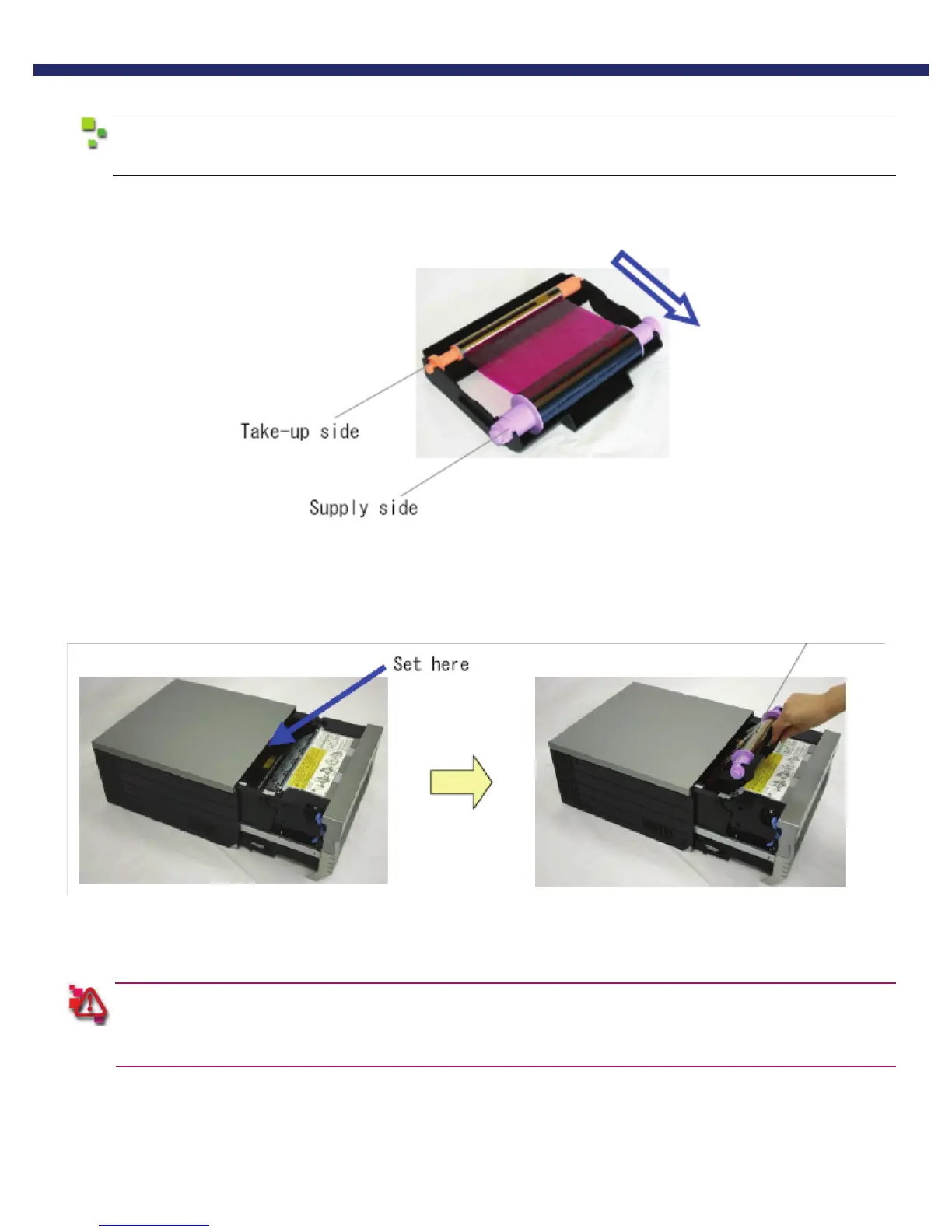
10. Set a new ribbon into the ribbon cassette.
Advance the ribbon in the direction shown and take up any slack in the ribbon.
Figure 8.
11. Set it with the supply side in the front.
Figure 9.
12. Set the scrap box.
The printer will not operate without the scrap box attached. Closing the mechanism unit without the scrap box
attached will cause a “No Scrap Box Error.” Clean any excess scraps from the printer.
You have now installed the media in the printer.



 To Next Page