2 DNP Photo Imaging America Corp.
DS-40 and DS-80 Printers Printer Basics
DS-40 AND DS-80 PRINTERS
Distinguishing Your DS-40 and DS-80 Printer Model
The DS series are versatile photo printers for use in photo labs by professional photographers, or in other commercial
situations which demand high speed and exceptional quality. Other information on the printers can be found in the printer’s
field service manual or your system’s documentation suite.
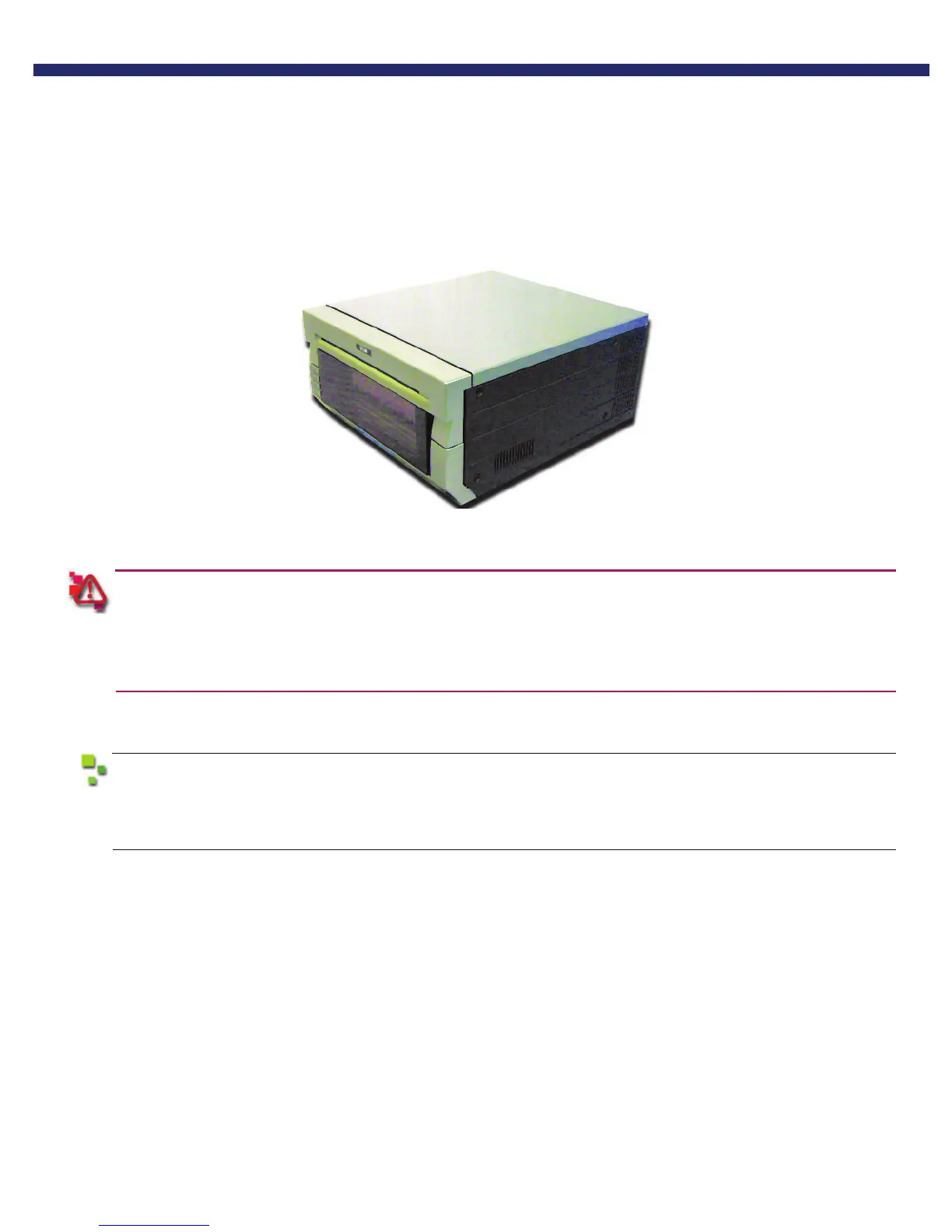
Figure 1. The DS-40 or DS-80 printer
prior to moving the printer, the ink ribbon cassette and paper roll should be removed from the printer. Always
take care when lifting the printer so as not to cause physical injury.
When reinstalling, check that the ribbon and paper are properly positioned before resuming printing. If either is
positioned incorrectly, paper jams, print position errors, or other unexpected problems can occur.
The DS-40 and DS-80 printers are quite similar. The instructions written for one will work for the other. The main difference
is in paper size; DS-40 printers print 4x6 size prints, and DS-80 printers print 8x10 size prints.
If your printer is configured for use in a tower system, the printer will have small rubber feet. These
feet are essential to aligning the output for the printer with the tower conveyor system and keeping
the printer from moving inside the unit. Do not remove the feet.



 To Next Page