Power ON the DS-RX1 and connect the DS-RX1 printer and the host by USB cable.
* Please refer to the manual for the DS-RX1 printer for connection if needed.
Note) Do not insert the accompanying CD at this time.
In order to install the driver, log in with administrator right. The following explanations are given on the assumption of use with
administrator rights.
After that, if [Found New Hardware Wizard] is initiated, please install using the procedure in [1.2 Found New Hardware Wizard]. If
[Found New Hardware Wizard] is not initiated, please install in accordance with [1.3 Install from Add Printer Wizard].
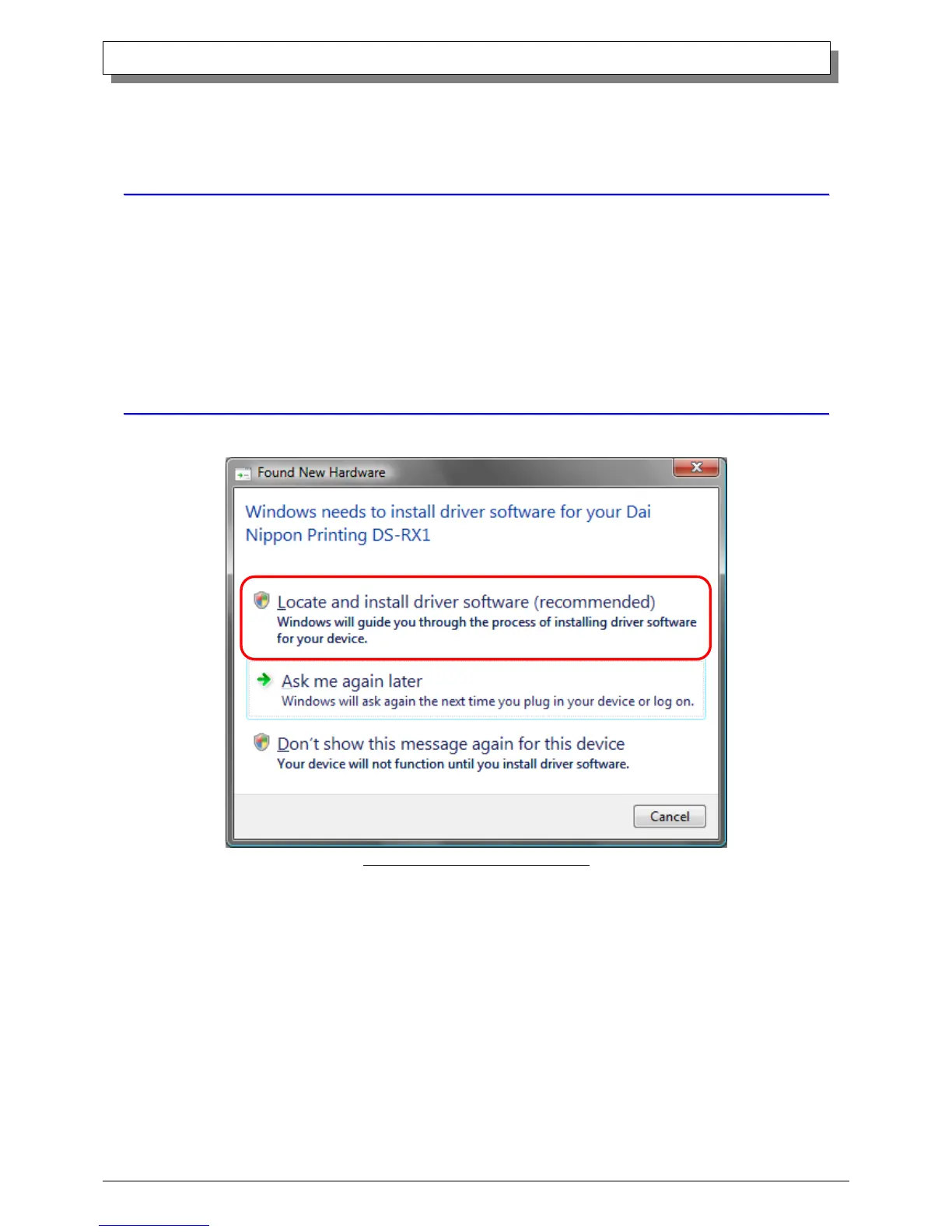
When “Found New Hardware Wizard” starts running, click on “Locate and install driver software (recommended)”.
Fig 1.1 Found New Hardware Wizard
Note) For user account control, confirmation of “Windows needs your permission to continue” will be requested. Click on the
“Continue” button.



 To Next Page