The driver software will be installed.
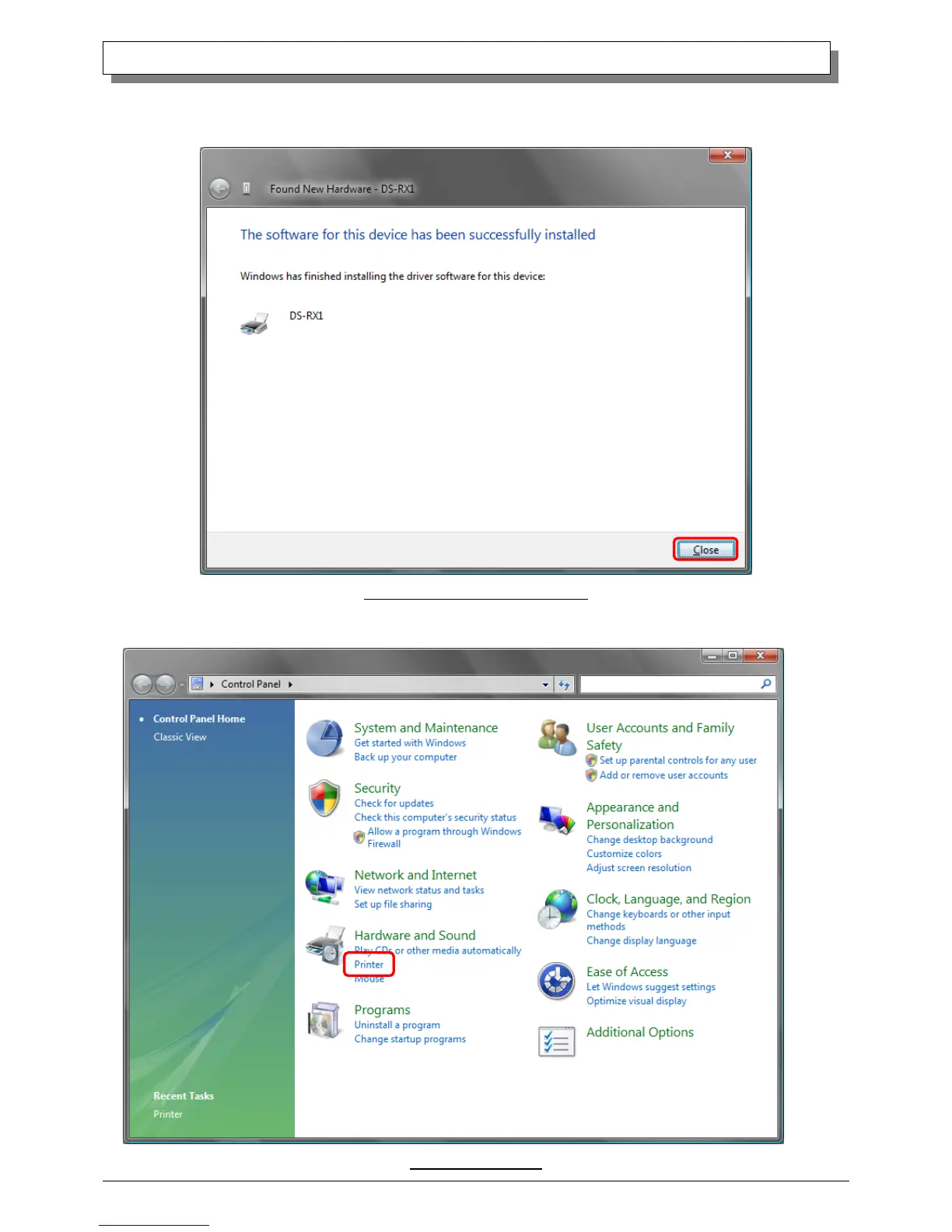
When “The software for this device has been successfully installed” appears, click on the “Close” button, and end the wizard.
Fig 1.6 Installation Complete window
Select “Start”, then “Control Panel”, and open the control panel. Click on “Printer” in the control panel.
Fig 1.7 Control panel



 To Next Page