Page 12 of 25
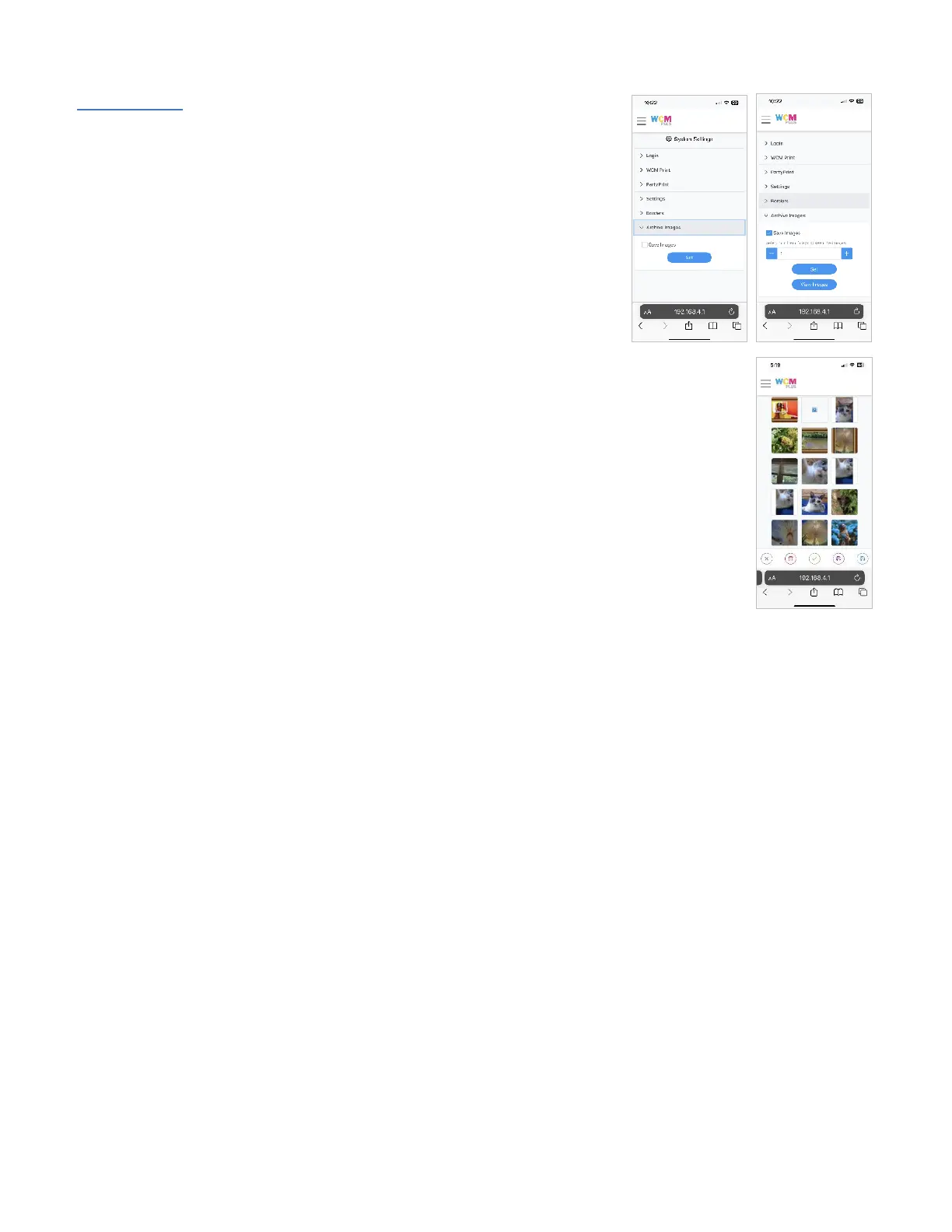
Archive Images – Select the checkbox to store all the images from each
session on the WCM-Plus. Once the checkbox is selected you will have an
option to set the number of days you would like the WCM-Plus to store the
images, between 1 and 30.
Depending on the file size, the WCM-Plus can store up to 2000 images. If the
number of images nears the capacity of the WCM-Plus you will receive a
warning that images should be cleared from memory.
Tap View Images to see the archive gallery. You can reprint images as
needed, download them to a USB drive (inserted into the WCM-Plus), or
delete the image(s).
From the gallery you can select one or all images to delete or save to a USB drive. You can
select up to ten images for reprinting.



 To Next Page