Page 14 of 25
Filter
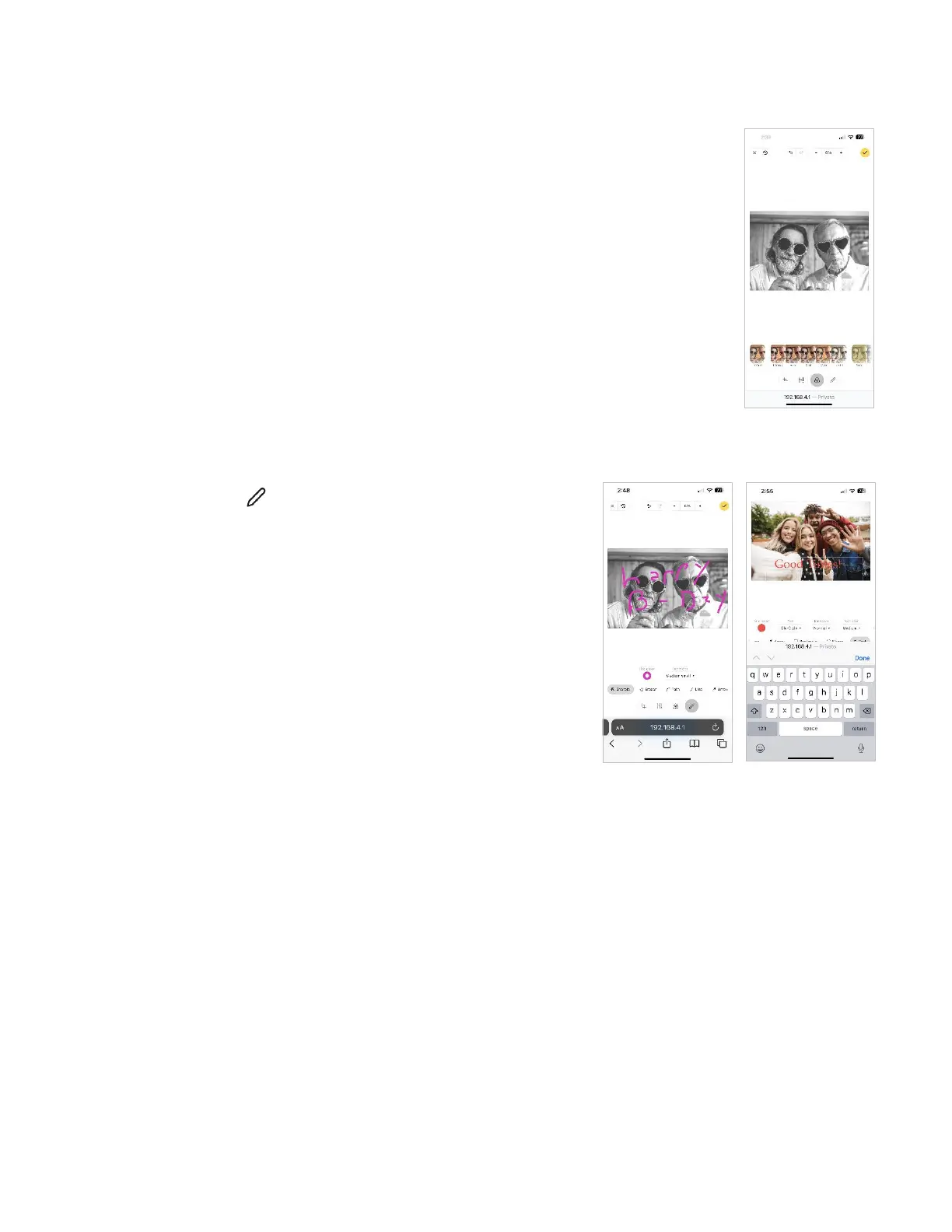
Selecting the Filter icon provides the ability to add filters like:
• Enhanced
• Greyscale
• Sepia
Tap to select the desired filter.
Tap the check mark in the upper right corner to save or select another edit tool to make
additional adjustments.
Annotate
Selecting the Annotate icon opens tools to mark or add text to the
image.
Tools like the Sharpie and text allow you to add messages to the
pictures.
Tap the check mark in the upper right corner to save or select another
edit tool to make additional adjustments.



 To Next Page