Page 15 of 25
Borders
Borders refer to an overlay that can be applied to prints. Borders can be a frame that is printed around the picture
or a business logo to promote your business. The WCM-Plus has a few ready to use borders that can be selected,
and custom borders can be created and uploaded.
Requirements:
File type: Files must be saved as .png to support transparency. Borders are overlays so there must be a
transparent area to allow the picture to show.
File Size: Border files need to be sized to match each print size that will be used. Picture orientation also needs to
be considered, each border template should include a portrait and landscape orientation.
Basic print sizes are:
Custom borders can be created in Photoshop or other graphic editing software that supports transparent layers.
Borders can include other overlay images such as your company logo.
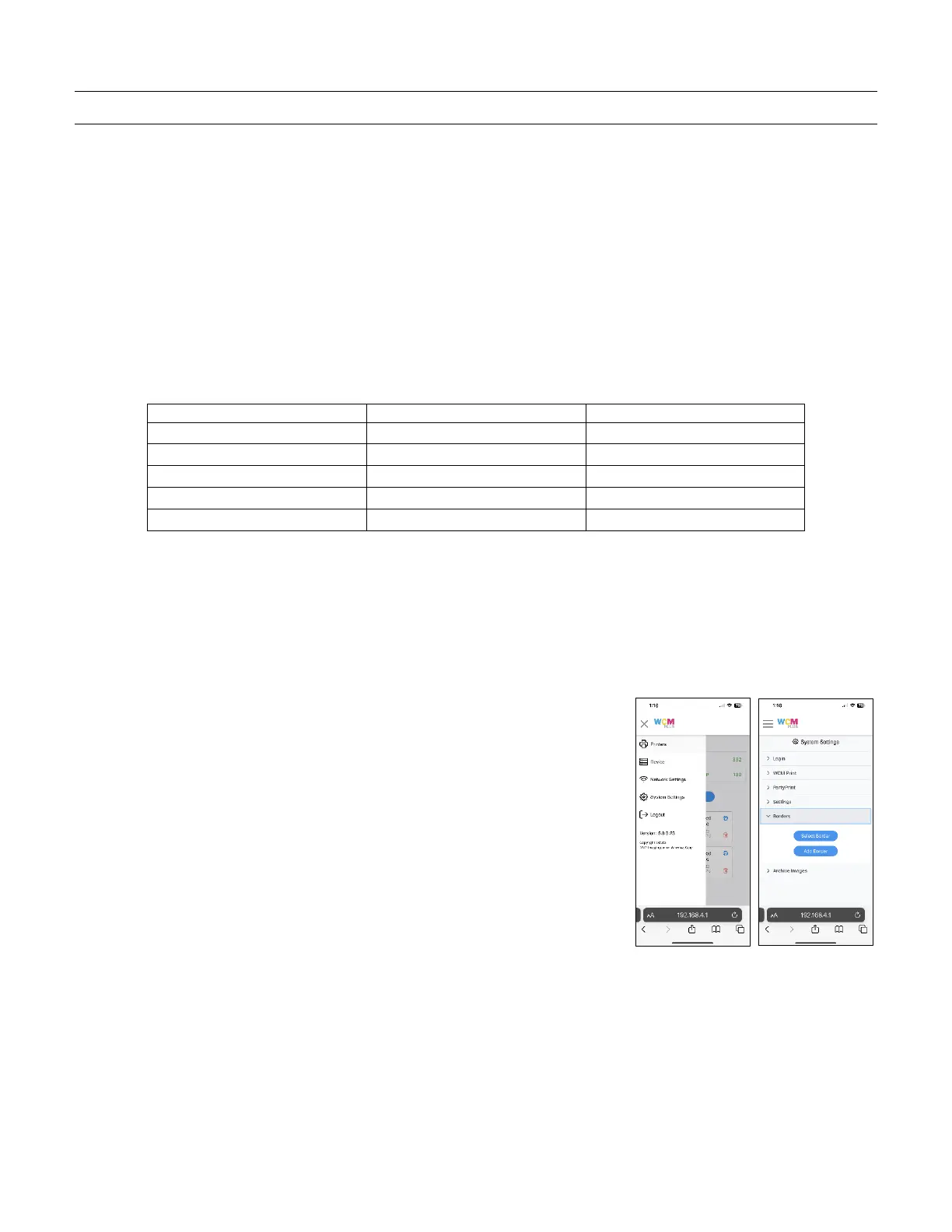
Uploading custom borders:
Once you have created the custom borders, save them on the device you are using to access the WCM-Plus portal.
From the WCM-Plus portal menu, tap System Settings and Borders and then
tap Add Border.



 To Next Page