Page 23 of 25
Selecting images
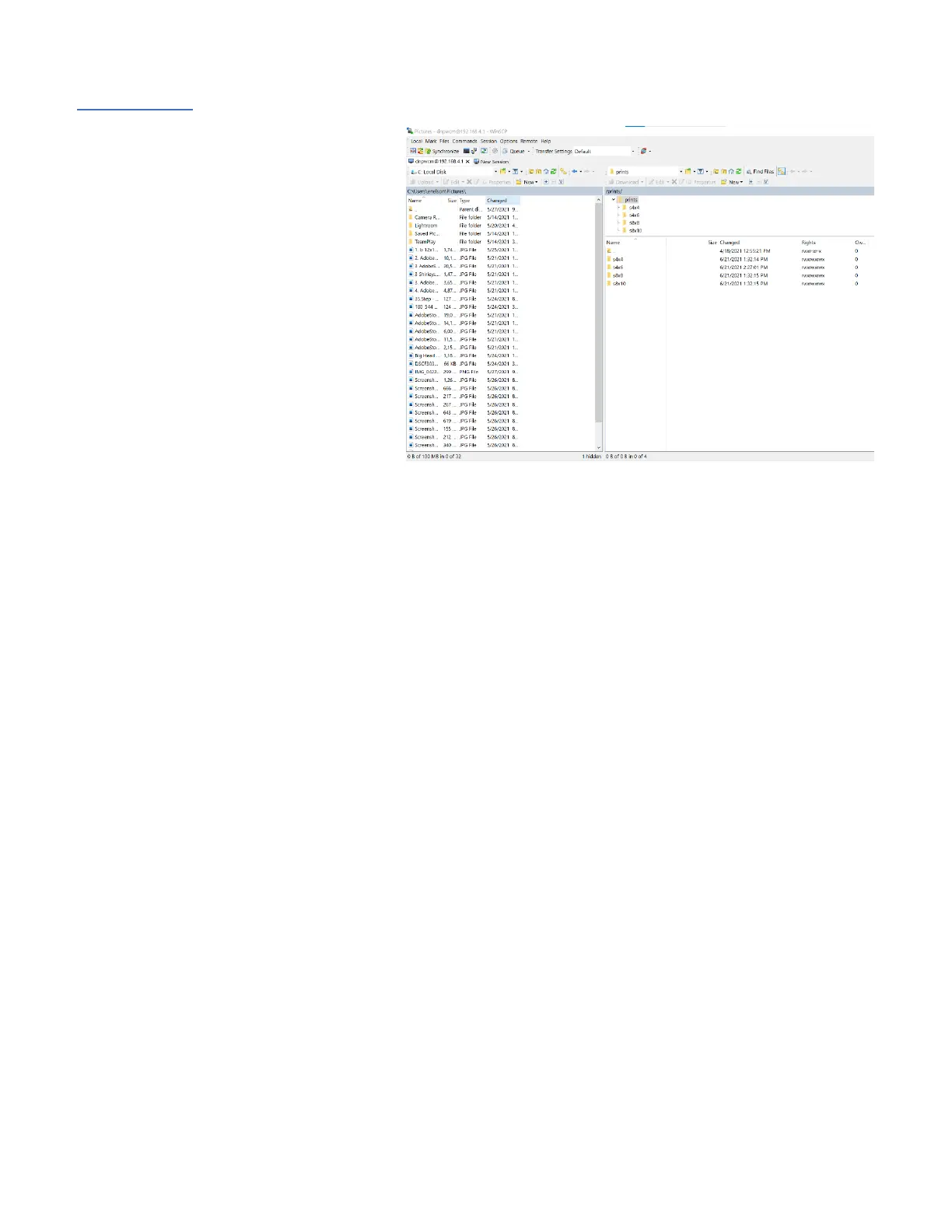
Images can be selected in WINSCP by
selecting the folder containing the images on
the "home" directory (left side of the
screen). The images can be dragged and
dropped to the appropriate WCM folder
(right side of the screen).



 To Next Page