36 37
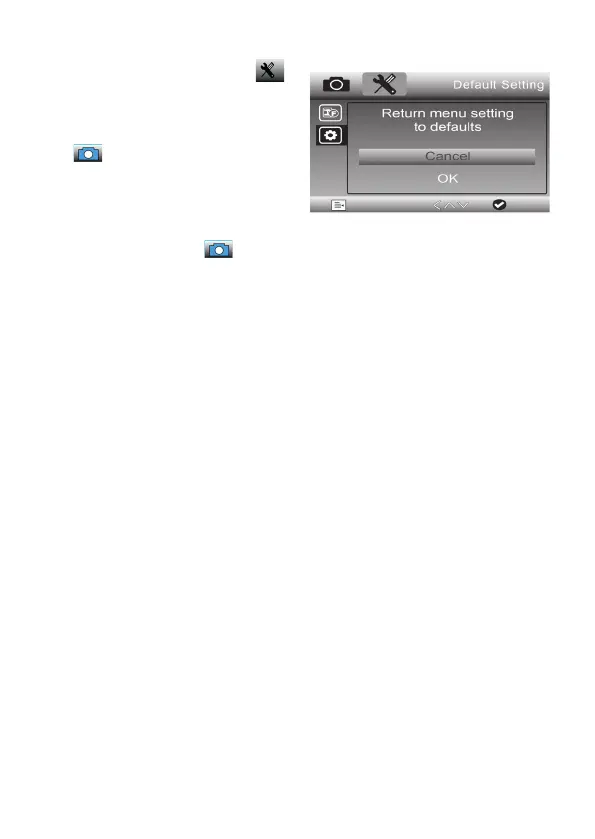
Restore factory settings
- Select the second menu page:
- Use the arrow buttons / to
select the line „Standard setting“
and confirm the selection with the
button.
- In the settings menu, use the /
arrow buttons to select the desired
option (cancel = cancel, individual
settings are retained) and confirm
the selection with the button.



 To Next Page