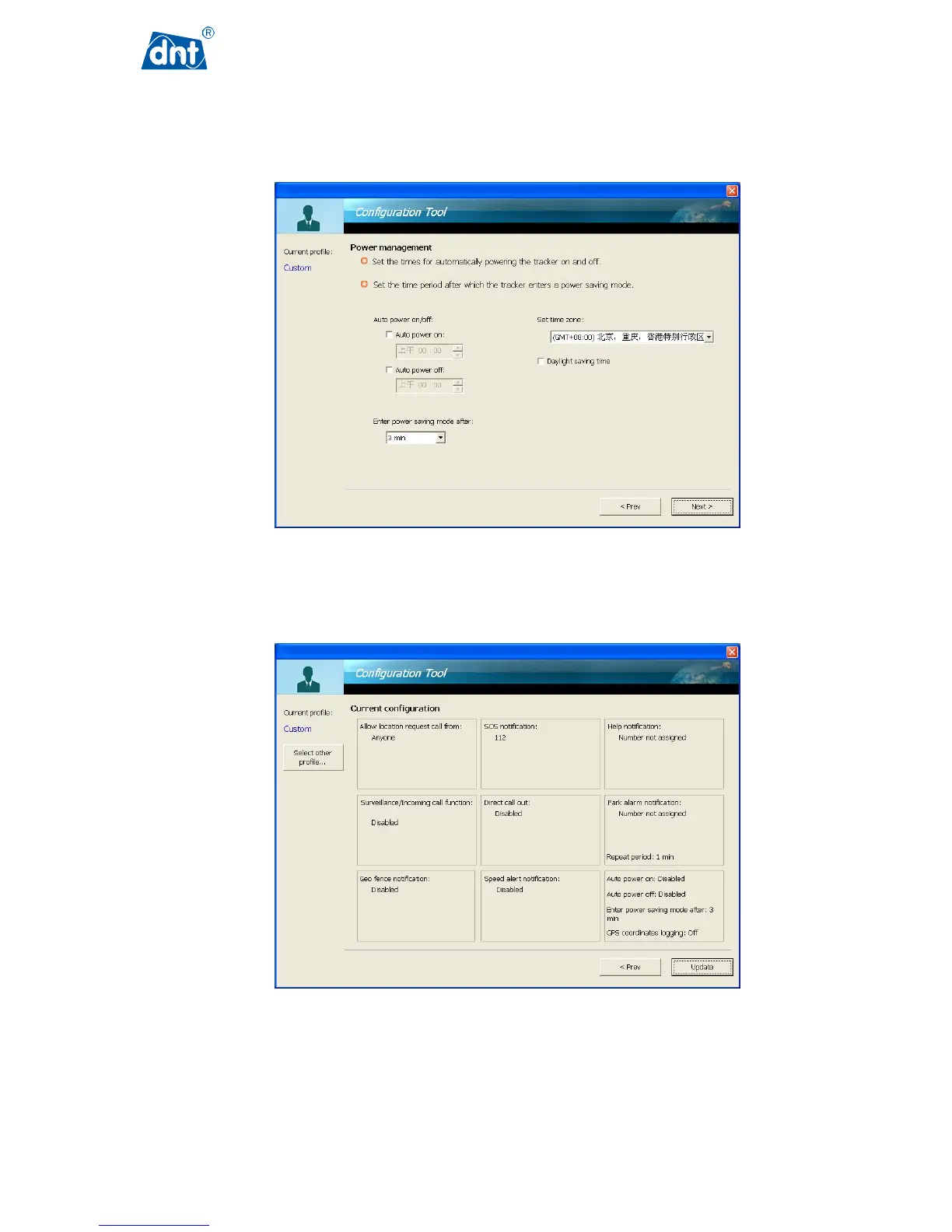
The GPS Tracker user can set the device to different settings using the Power management function. For
example, the user can have the GPS Tracker automatically start/stop working according the time set in this
function. The user can also choose a time period for the GPS Tracker to enter power saving mode after certain
period of time.
With all the user configurable items complete, this page provides a summary of the configuration. It also allows
the user to click the Update button, which will send the updated configuration to the GPS Tracker.



 To Next Page