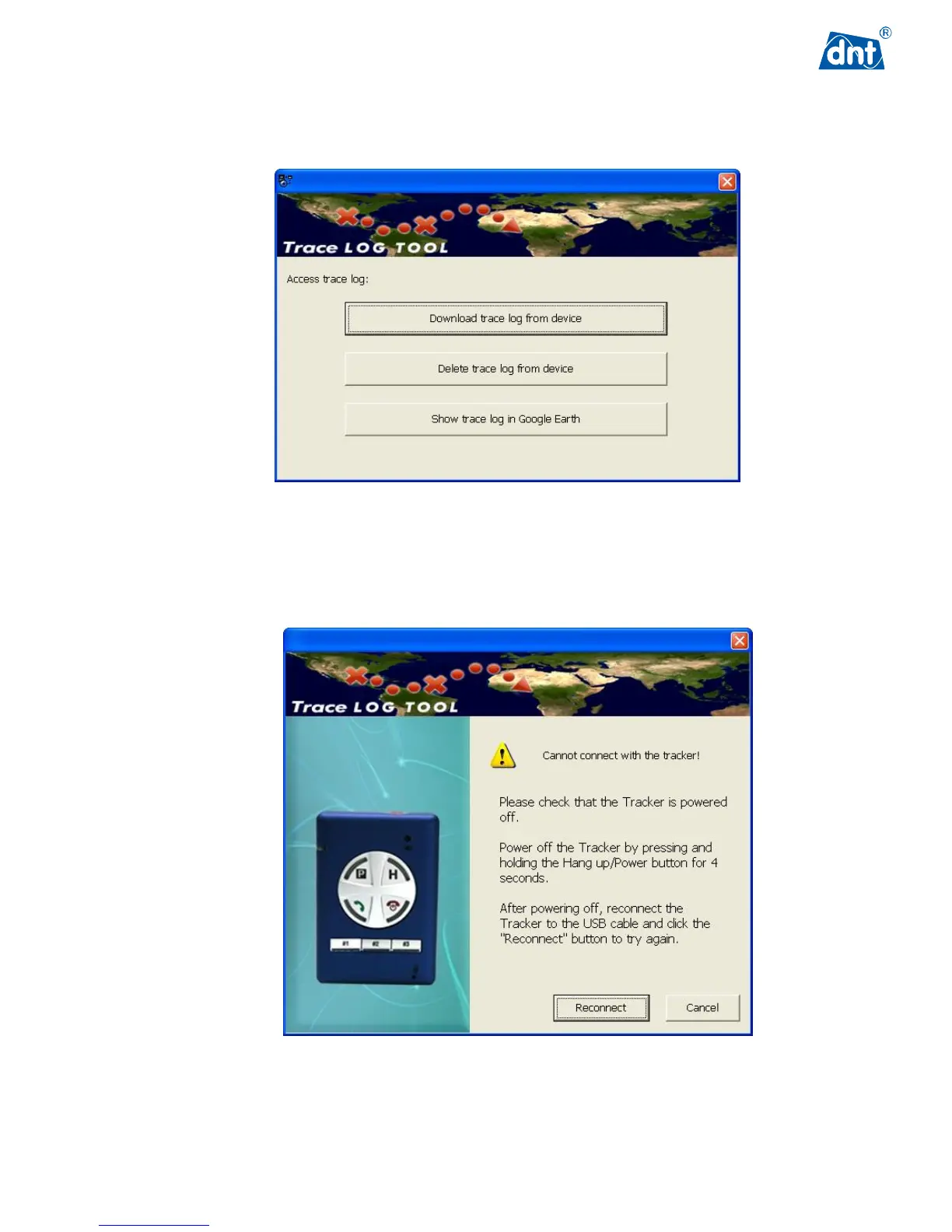
In the Trace Log tool, the user can manage trace log files in the GPS Tracker. The user can either download
trace log files and see the trace route on Google Earth or delete log files in the GPS Tracker.
If the message “Cannot connect with the Tracker” appears on your PC or laptop, please check whether the GPS
Tracker is powered off before it is connected to the PC or laptop. Follow the recommended instructions in the
page and try to connect again.



 To Next Page