Operation Manual
VacuDAP 2002
2002BA01e.DOC / 22.07.2004 13 of 22
If the TEST
ACT
value is outside the tolerance range without affecting the MEASURE function the
display will show
WARNING. During the MEASURE function the last digit is flashing to indicate the
warning state. To cancel the warning call the TEST function again after the stabilization time (see 2.6
Stabilization time).
In case of a trouble, an error message is displayed which includes the measured TEST
ACT
value
(which is represented by xxxx):
ERR:xxxx
The system set-up should be checked and the system test repeated if the TEST function could not be
correctly carried out. See Chapter 5.1, Error codes and troubleshooting for a list of error codes and
information on how to eliminate troubles.
When the TEST function is called after the stabilization time of the system by pressing the
Reset
key
the complete measuring system with all components is tested as it is done by the POWER-ON-TEST.
The tolerance range for deviation of TEST
ACT
and TEST
NOM
value is ±2 % in accordance to IEC
60580.
3.3.4 MEASURE function
The measuring system is ready for performing the MEASURE function when a figure is displayed on
the display unit. For example, a zero is displayed upon the correct completion of the TEST function:
0
Upon activation of the MEASURE function, the system starts to measure all X-rays incident as from
the last pressing of key
Reset
.
The digital measuring signal coming from the detector electronics is transmitted to the display unit
where it is multiplied by a calibration factor (see 2.7, Factory calibration). The choice of the calibration
factor (
CF_ABOVE or CF_UNDER) used for the calculation of the dose area product depends on
parameter
POSITION (see Table 3). Chapter 3.3.9, Changing of parameters, describes how the
parameters can be changed.
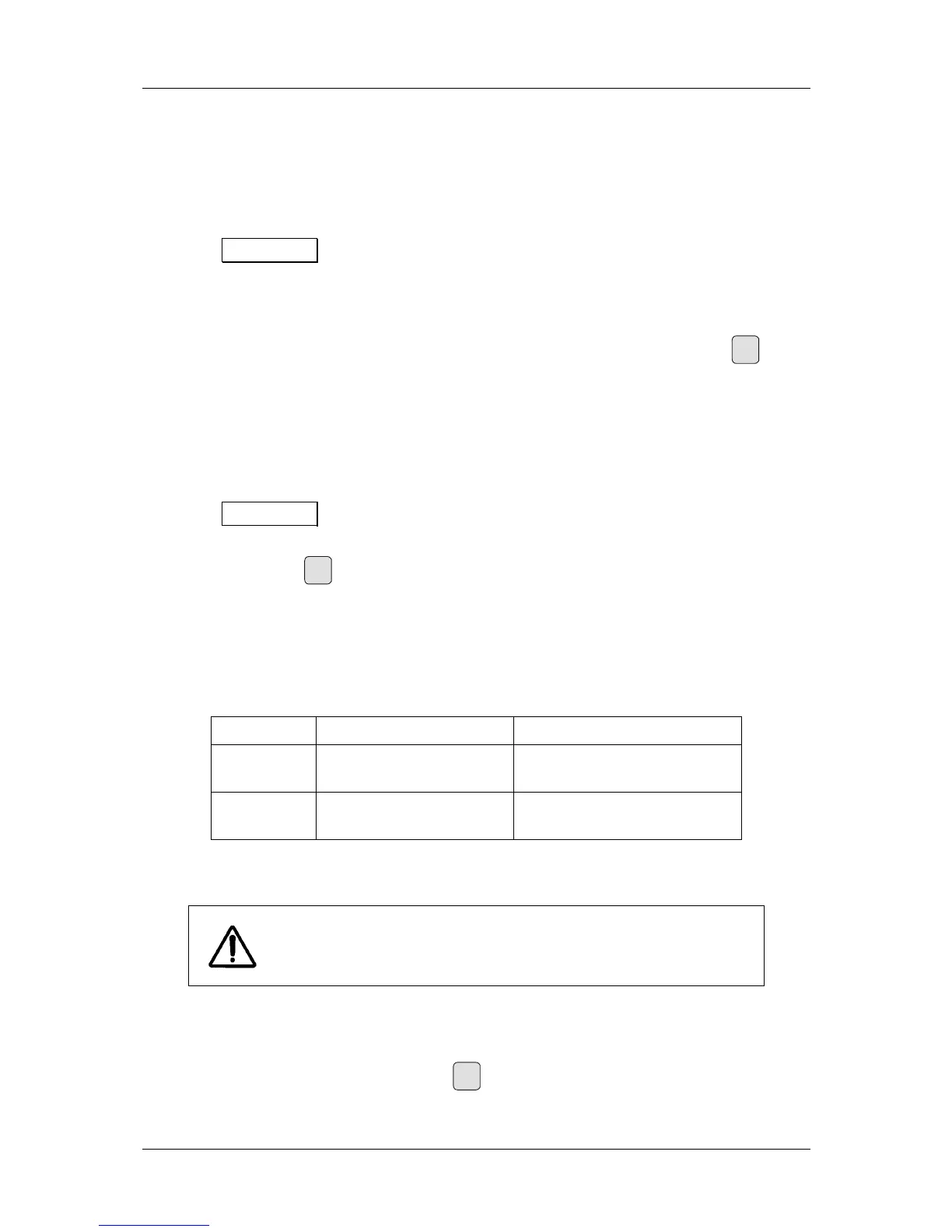
POSITION
Effective calibration factor Notes
ABOVE CF_ABOVE
Standard conditions
(above-table installation)
UNDER CF_UNDER
Use of additional absorber
(below-table installation)
Table 3: Calibration factors
For the correct measurement of the dose area product, the MEASURE
function must have been activated. Inactive states are indicated by the
respective displays (e.g.
RESET).
3.3.5 RESET function
The RESET function is activated - i.e. all internal measured data memories are cleared and the
display is reset to 0 - by briefly (< 2 s) pressing
Reset
. Thereafter, the MEASURE function is carried out
(see 3.3.4, MEASURE function). The RESET function can be considered to be the START signal for
the MEASURE function.


 To Next Page