Operation Manual
VacuDAP 2002
2002BA01e.DOC / 22.07.2004 14 of 22
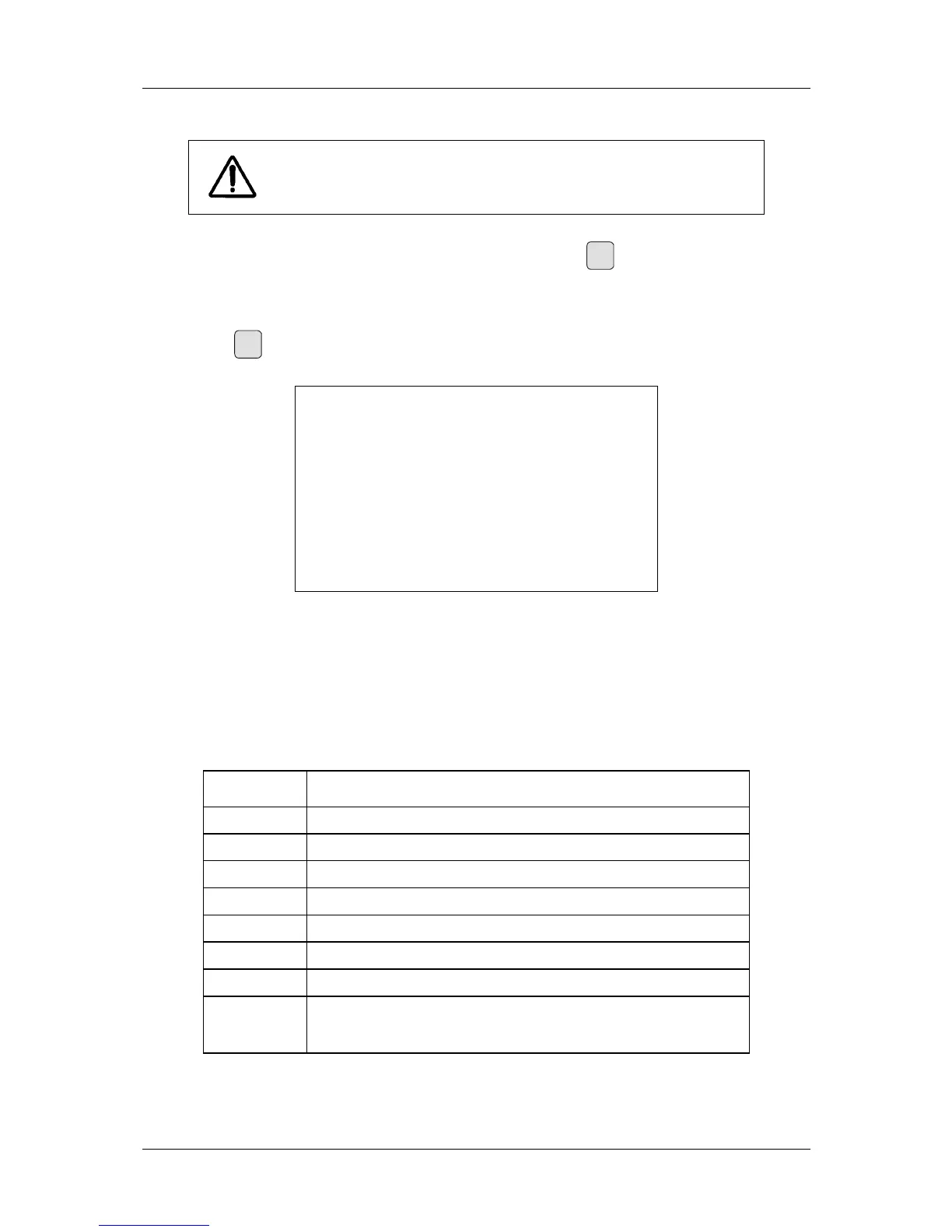
The RESET function is recommended to be called up before any
measurement.
Also, any displayed error messages can be cleared by pressing the
Reset
key (see 5.1, Error codes
and troubleshooting).
3.3.6 PRINT function
Pressing key
Print
causes the printer, which is connected to the serial interface (RS-232), to put out
the relevant data. A typical printout is shown in Figure 3.
******* VacuDAP ****** VacuDAP ******
Date :
Name :
Date of birth:
Patient ID :
----------------------------------------
Dose area product 1234 mGy*cm²
Irradiation time 5.67 s
Fig. 3: Typical printout
It is also possible to send the measured data - in the form of ASCI characters - to a PC. To do this,
parameter PRINTER must be set accordingly (see Table 4). A special interface cable is required for
the purpose (see 6, Accessories and options).
The type of data printout is preset. Parameter
PRINTER can be used for selecting the printout type
(ASCII protocol or printer type and language); see 3.3.9, Changing of parameters. When sent to a PC
(Parameter
PRINTER = 0 or 1) the measured data will be separated by a tabulator (Tab). The
respective units of measurement are shown in Table 4 in square brackets ([…]).
PRINTER
Printout
0
DAP [mGy*cm²] Tab DAP power [Gy*cm²/s] Tab irradiation time [s]
1
DAP [mGy*cm²]
11
Printout in German
12
Printout in English
13
Printout in French
14
Printout in Spanish
15
Printout in Italian
21
:
25
Edited for DYMO label printer
Language setting as in
11 to 15
Table 4: PRINTER parameters


 To Next Page