EasyManua.ls Logo

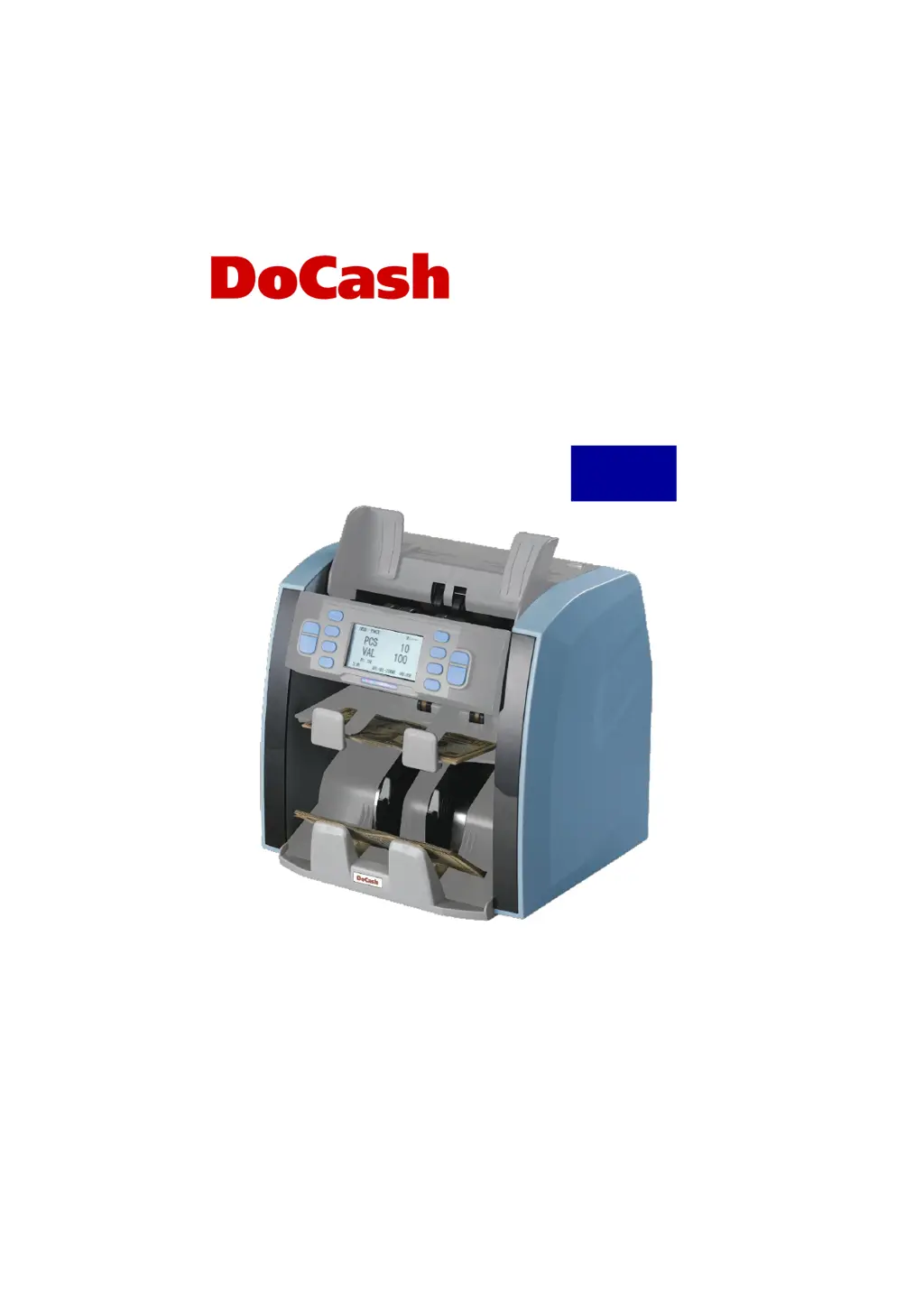
DoCash DC-45V - User Manual

DoCash DC-45V
60 pages
Print Icon
To Next Page IconTo Next Page
Loading...
Currency counter
Счетчик банкнот
DoCash DC-45V
User manual
Руководство по эксплуатации
РУССКИЙ
ENGLISH

Questions and Answers

  • W
    Wendy MooneySep 9, 2025
    What to do if DoCash Cash Counter says 'Please Clean Left Counting Sensor!'?
    • R
      Ross CarterSep 9, 2025
      If your DoCash Cash Counter displays 'Please Clean Left Counting Sensor!', remove any banknotes from the machine. Clear any dust from the IR sensor.
  • B
    Brian ThomasSep 12, 2025
    How do I clean the right counting sensor on my DoCash Cash Counter?
    • M
      michelle90Sep 12, 2025
      If your DoCash Cash Counter displays 'Please Clean Right Counting Sensor!', remove any banknotes from the machine. Clear any dust from the IR sensor.
  • N
    Nicole FergusonSep 13, 2025
    What to do if DoCash Cash Counter displays 'Double'?
    • F
      Felicia LeSep 13, 2025
      If your DoCash Cash Counter is showing 'Double': 1. Check if some banknotes are attached to each other or overlapping. 2. Place the banknotes from the stacker back into the hopper and recount them. 3. If this happens frequently, turn the adjusting screw anti-clockwise to make the gap smaller.
  • D
    David HoustonSep 15, 2025
    What to do if my DoCash Cash Counter shows 'Half'?
    • A
      Andrea JordanSep 15, 2025
      If your DoCash Cash Counter displays 'Half', remove the half banknote.
  • C
    christopher43Sep 17, 2025
    Why is my DoCash Cash Counter jammed?
    • S
      Sarah BurtonSep 17, 2025
      If your DoCash Cash Counter displays 'Jam', it means some foreign substance has fallen inside the machine or notes are blocked. Open the back cover to remove them.

Summary

Safety Precautions

Design

Control Panel

Using the Machine

Setting Functions

User Menu

Provides access to various operational settings and configurations for the machine.

Speed Setting

Allows adjustment of the banknote counter's operational speed.

Currency Selection

Selects the currency to be counted or detected by the machine.

Detection;Counting Mode Selection

Chooses between different operational modes like MIX, SORT, FACE, ORIENT, COUNT.

ADD Mode

Performs accumulative counting by adding to previous counts.

Batch Counting Mode

Sets a specific number of notes to count before stopping automatically.

Error Messages and Solutions

Feeding Clearance

Cleaning and Removing Jams

Fuse Replacement

Daily Maintenance

Transport and Storage

Complete Set

Warranty

Technical Features

DoCash DC-45V Specifications

General IconGeneral
Hopper Capacity300 notes
Stacker Capacity200 notes
Counting Speed1000 notes/min
DisplayLED
Weight5.5 kg
Power SupplyAC 220V, 50Hz

Related product manuals