4.4 Device List
4.4.1 List of connected devices
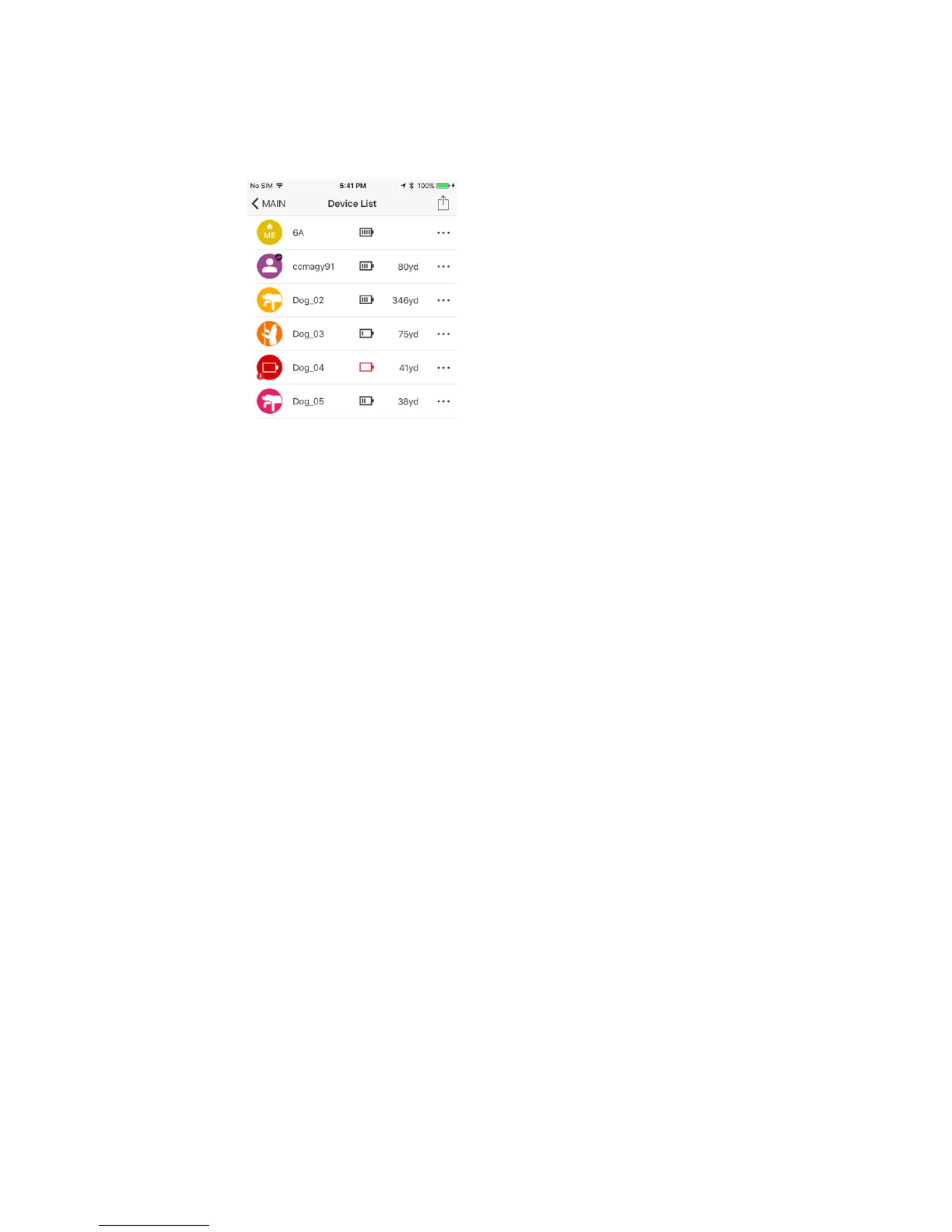
4.4.1.1 Connected devices are displayed in Device List.
4.4.1.2 The dog icons display the dog’s current action.
4.4.1.3 Device battery life and distance from your location is displayed.
4.4.1.4 Selecting a device will display detailed information.
4.4.2 Device Sharing
Press the share icon to share and receive GPS Connector/GPS Collar
devices. Both Pathfinder users must you the device sharing feature at
the same time and within close proximity to each other.
4.4.2.1 Sharing a Device
You can share your position or your dog’s position.
Press the share button and select the device you want to share.
A pop up will appear when a device has been successfully shared.


 To Next Page