EasyManua.ls Logo

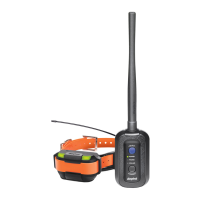
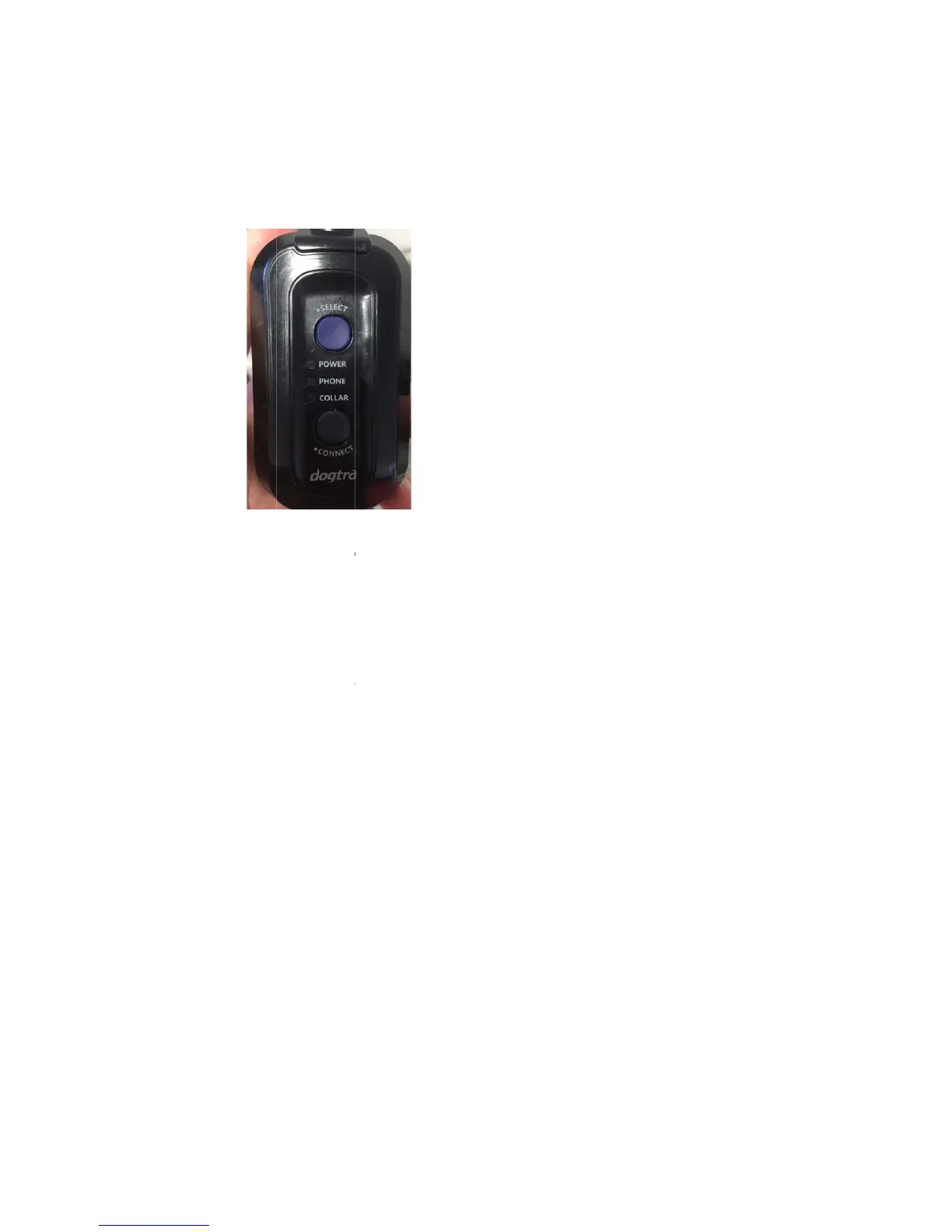
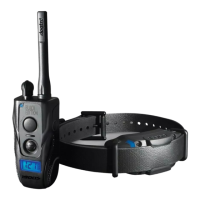
Dogtra Pathfinder - Operational Buttons; Connector

Dogtra Pathfinder
38 pages
Print Icon
To Next Page IconTo Next Page
To Previous Page IconTo Previous Page
Loading...
will
1.3 Ope
r
1.3.
1
SELE
ON:
T
OFF
Whil
pres
s
CO
N
Afte
r
and
Con
n
※Us
i
GPS
to p
a
1.3.
2
CO
L
Po
w
LE
D
Po
w
tur
n
Co
n
be
g
blin
be played t
o
r
ational But
t
1
CONNE
C
CT ON/
O
T
o turn on,
p
:To turn off
e turned on
s
the select
N
NECT –Sta
r
r
using the
S
hold down
t
n
ector will n
i
ng the Sele
Connector
t
a
ir the GPS
2
Collar
L
LA
R
–Powe
r
w
erON :To t
u
D
turns on.
w
erOFF :To t
n
s off.
n
nection mo
g
in with the
ks rapidly.
A
o
indicate t
h
t
ons
C
TO
R
O
FFOn/Off a
n
p
ress the se
l
,
press the s
, press the
s
button a se
c
r
t Pairing
S
elect butto
n
t
he Connec
t
ow be read
y
ct button t
o
t
o the GPS
C
Connector t
r
u
rn the GPS
urn the GP
S
de &pairin
g
device turn
e
A
melody wi
h
at the GPS
n
d pairing d
l
ect button
u
elect butto
n
s
elect butto
n
c
ond time t
o
n
to set the
t
button unt
y
for pairin
g
o
set the GP
S
C
ollar. Setti
n
o a phone.
Collar on,
p
S
Collar off,
p
g
mode :To p
e
d off and h
ll be played
Collar is sh
u
evice selecti
u
ntil the LE
D
n
until the L
E
n
once to s
e
o
set pairin
g
GPS Conne
c
il the LED b
l
g
.
S
Connecto
r
n
g the GPS
C
p
ress the po
w
p
ress the p
o
lace the GP
S
old down t
h
when the
G
u
tting down.
on
D
turns on.
E
D turns off
.
e
t pairing to
g
to the sm
a
c
tor to pho
n
l
inks rapidly
.
r
to Collar is
C
onnector t
o
w
er button
u
o
wer button
S
Collar int
o
h
e power b
u
G
PS Collar is
.
the GPS C
o
a
rtphone ap
p
n
e or collar,
.
The GPS
used to pa
i
o
Phone is u
u
ntil the gr
e
until the LE
o
pairing mo
u
tton until L
E
in pairing
m
o
llar,
p
.
press
i
r the
sed
e
en
D
de,
E
D
m
ode.

Other manuals for Dogtra Pathfinder

Related product manuals