EasyManua.ls Logo

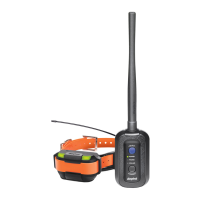
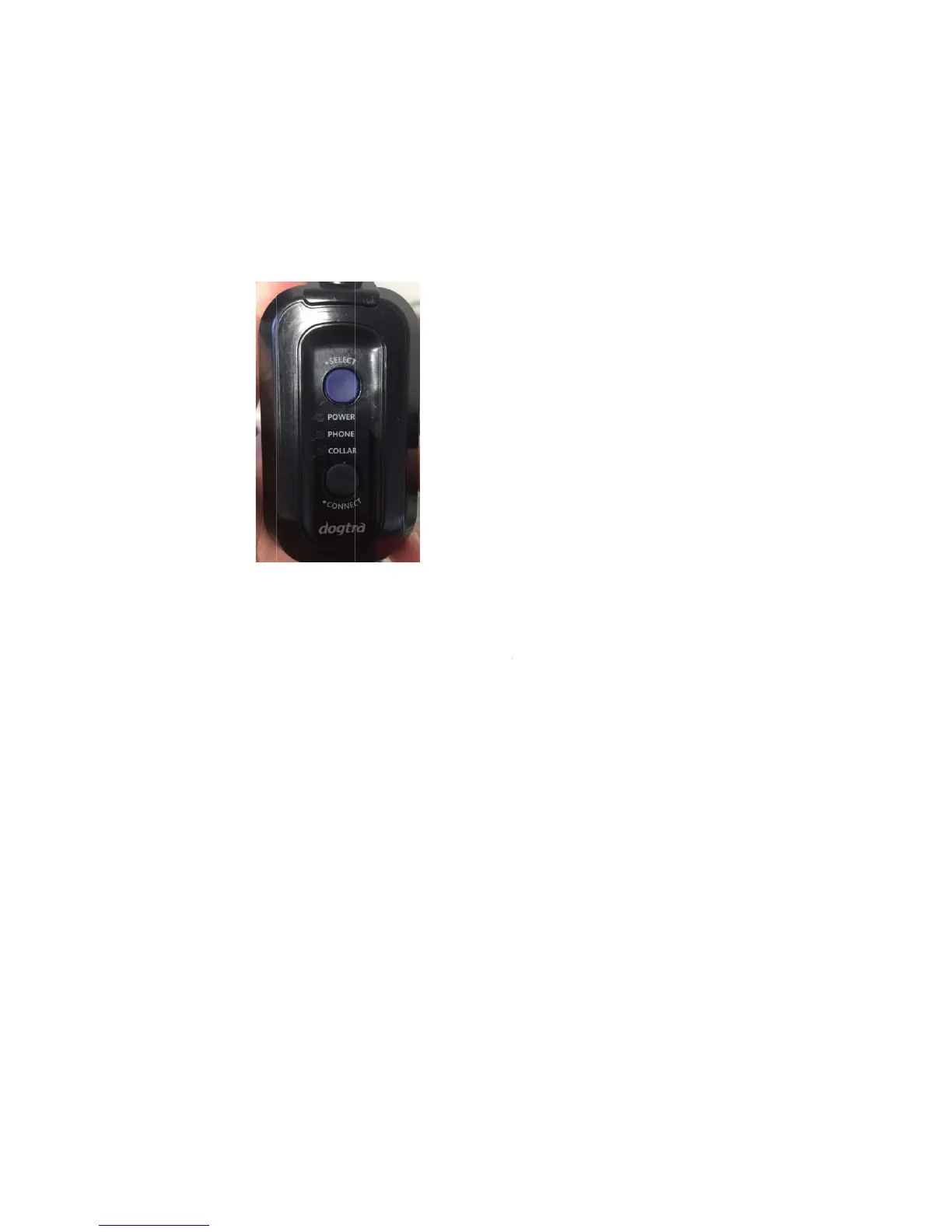
Dogtra Pathfinder - About the LED

Dogtra Pathfinder
38 pages
Print Icon
To Next Page IconTo Next Page
To Previous Page IconTo Previous Page
Loading...
※T
h
Co
n
1.4 Abo
u
1.4.
1
Po
w
re
p
W
h
PH
O
W
h
bu
t
ra
p
CO
W
h
bu
t
ra
p
1.4.
2
h
e GPS Coll
a
n
nector. The
u
t the LED
1
connect
o
w
er :The po
w
p
resents the
h
ile charging
O
NE :Press
t
h
en set to P
h
t
ton will pla
c
p
idly in gree
n
LLAR Press
t
h
en set to C
o
t
ton will pla
c
p
idly in gree
n
2
collar
a
r pairing m
o
Pathfinder
s
o
r
w
er LED bli
n
battery life,
and turne
d
t
he Select b
u
h
one, a gre
e
c
e the GPS
C
n
.
t
he Select b
o
llar, a gree
n
c
e the GPS
C
n
.
o
de is used
s
et comes
w
n
ks every 2
s
with green
d
on, the LE
D
u
tton twice
t
e
n LED will s
C
onnector i
n
utton once
t
n
LED will s
t
C
onnector i
n
to pair the
w
ith both pa
s
econds whi
l
(~50%), ora
n
D
will blink
g
t
o set the G
tay on. Hol
d
n
to pairing
m
t
o set the G
t
ay on. Hold
n
to pairing
m
GPS Collar
a
rts paired t
o
l
e turned o
n
n
ge (~10%),
g
reen.
PS Connect
o
d
ing down t
h
m
ode and t
h
PS Connect
o
ing down t
h
m
ode and t
h
a
nd the GPS
o
each othe
r
n
. The LED c
o
and red (~
0
o
r to Phone
h
e Connect
h
e LED will
b
o
r to Collar.
h
e Connect
h
e LED will
b
r
.
o
lor
0
%).
.
b
link
b
link

Other manuals for Dogtra Pathfinder

Related product manuals