1. First
1.1 Charging the Pathfinder
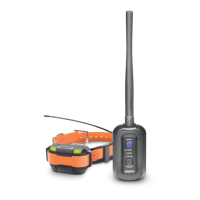
Charge the Pathfinder’s GPS Connector and GPS Collar before the first use.
The Pathfinder uses Lithium Polymer batteries.
-Fully charge the Pathfinder’s GPS Connector and GPS Collar before the first
use.
- Only use official Dogtra chargers with the Pathfinder.
- Do not charge the Pathfinder in near flammable substances.
- Fully charge the Pathfinder if storing for 1 month or longer.
* When to recharge the Pathfinder
- When the LED is red on the GPS Connector or GPS Collar.
- When the app displays a low battery percentage.
- When the LED does not turn on.
How to charge the Pathfinder
1) Connect the charger to the GPS Connector and GPS Collar using the splitter
cable.
2) Plug the charger into a 120v (220v in Europe) outlet.
3) When fully charged, detach the cables and plug the rubber caps over the
charging ports on the GPS Connector/Collar.
4) The GPS Collar turns off while charging and cannot be used, while the GPS
Connector functions while charging.
- The LED will display red while charging and green when the unit is fully
charged. The GPS Connector LED will be green when turned on while charging.
- A depleted battery requires 3.5 hours to fully charge.
1.2 Power
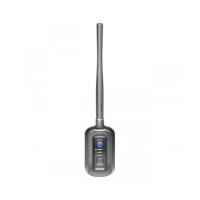
To turn on the GPS Connector, press the blue select button until the LED turns
on.
To turn off the GPS Connector, press the blue select button until the red LED
turns off.
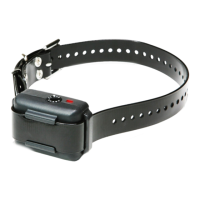
To turn on the GPS Collar, press the power button until the LED turns on. To
turn off the GPS Collar, press the power button until the LED turns red. A tone


 To Next Page