Configuring Single Auditoriums and Multiple Auditoriums
Dolby
®
Digital Cinema System Manual Issue 0.92 (Preliminary) 37
3.6.5 Configure Each Auditorium Network
The following procedure shows you how to configure each auditorium in a Dolby Digital
Cinema multiscreen network or customize a single-screen configuration using the DSS220
Config script. For single-screen installations, if you are using all the semiautomatic default
settings, you do not have to run the Config script and you can proceed to Section 3.6.6.
To configure a multiplex or customize your network settings (for single-screen or multiplex
installations):
1. Boot up the DSS220 and be sure a monitor, keyboard, and mouse are connected to the
unit.
2. Press <Ctrl> + <Alt> + <F1>.
The Show Manager console displays the default DSS220 auditorium number (1) and
the login prompt.
3. Log in to the DSS220 using the special user ID
config.
4. Enter the configuration password
dolby.
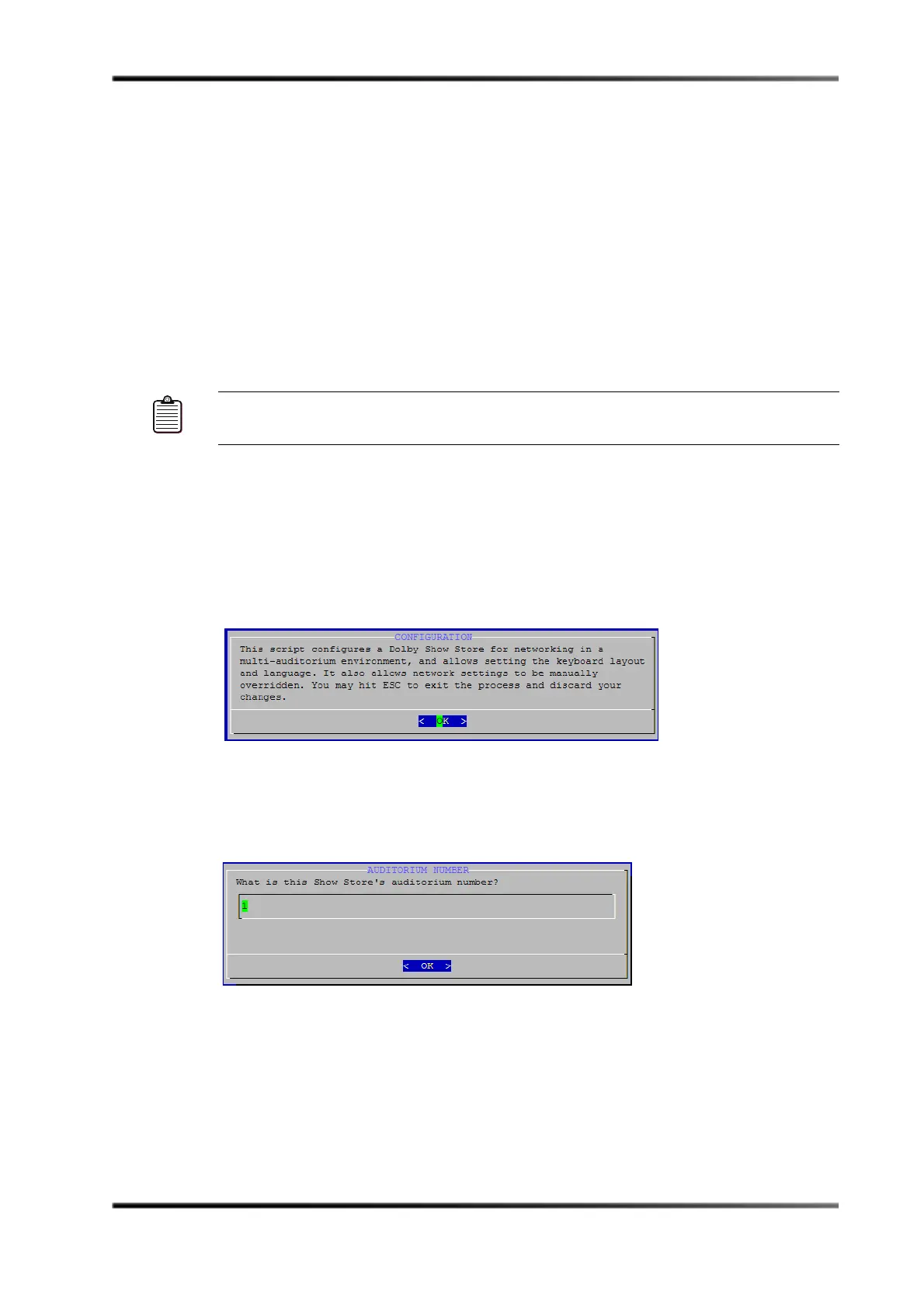
The
Configuration screen appears, as shown in Figure 3-24. You can exit the script at
any time by pressing <Esc> without changing any settings.
Figure 3- 24
Figure 3-24 Config Script Welcome Screen
5. Press <Enter>.
The
Auditorium Number screen appears, as shown in Figure 3-25.
Figure 3- 25
Figure 3-25 Auditorium Number Screen
Note: On some smaller keyboards you may need to press <F-Lock> to enable the dual-use
key function.



 To Next Page