Configuring Single Auditoriums and Multiple Auditoriums
Dolby
®
Digital Cinema System Manual Issue 0.92 (Preliminary) 39
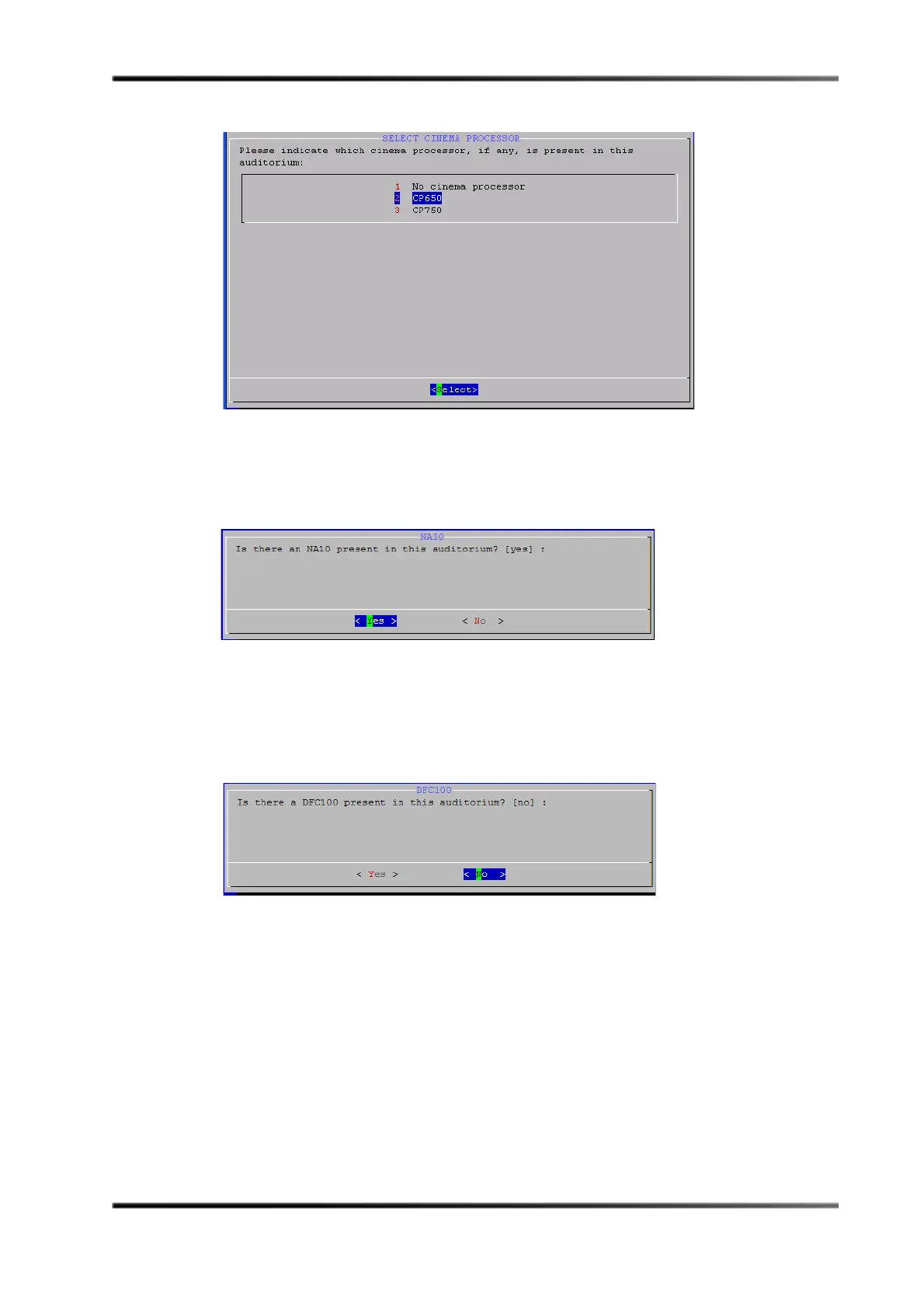
Figure 3- 28
Figure 3-28 Select Cinema Processor Screen
8. Select the desired cinema processor option, then press <Enter>.
The
NA10 screen appears, as shown in Figure 3-29.
Figure 3- 29
Figure 3-29 NA10 Screen
Press <Enter> to select Yes (default) if an NA10 is installed or press <Tab> to select No if it
is not, and press <Enter>.
The
DFC100 screen appears, as shown in Figure 3-30.
Figure 3- 30
Figure 3-30 DFC100 Screen
9. Press <Enter> to select No (default) if a DFC100 is not installed or press <Tab> to select
Yes if it is installed (for Dolby 3D), then press <Enter>.
The
DMA8Plus screen appears, as shown in Figure 3-31.


 To Next Page
 Loading...