User Manual of DOLCWIUHFP
4
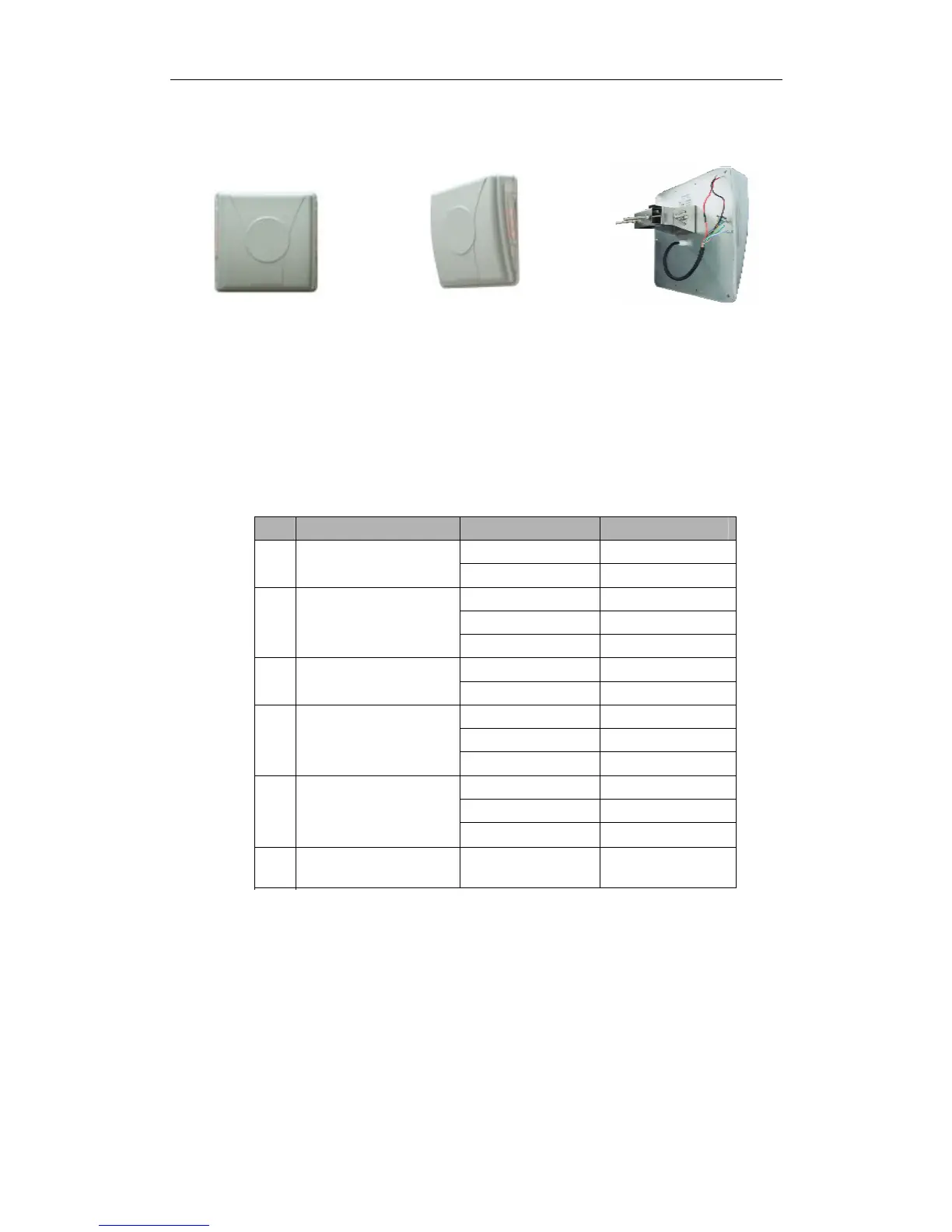
1.2.2 Host
Over view Side view Back view
1.2.3 Interface
can be able to provide 5 group interface, for details please refer
to
Table 1.2.3-1
Table 1.2.3-1 Definition of the Interface
No
Interface Type Definition Color
+12 V Red
1
Power Pins
GND Black
Wiegand 0 Purple
Wiegand 1 Green
Ground Yellow
2
Wiegand Pins
Trigger Orange
GND Yellow
3
Trigger Pins
232 (RX) Blue
232 (TX) Grey
GND Black
4
RS232 Pins
485 +
5
RS485 Serial Port pins
6
Shielding Wire
485 - Light Green
White
GND Yellow
Earth Ground
Yellow Embeded
Green (Thick)
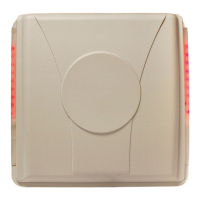
1.2.4 LED Indicato
Please make sure all connections are correct before turning on power!
r
There are two rows LED indicators on the , when
Transmitter Solutions DOLCWIUHFP
Transmitter Solutions DOLCWIUHFP


 To Next Page