____________________________________________________________________________________
15
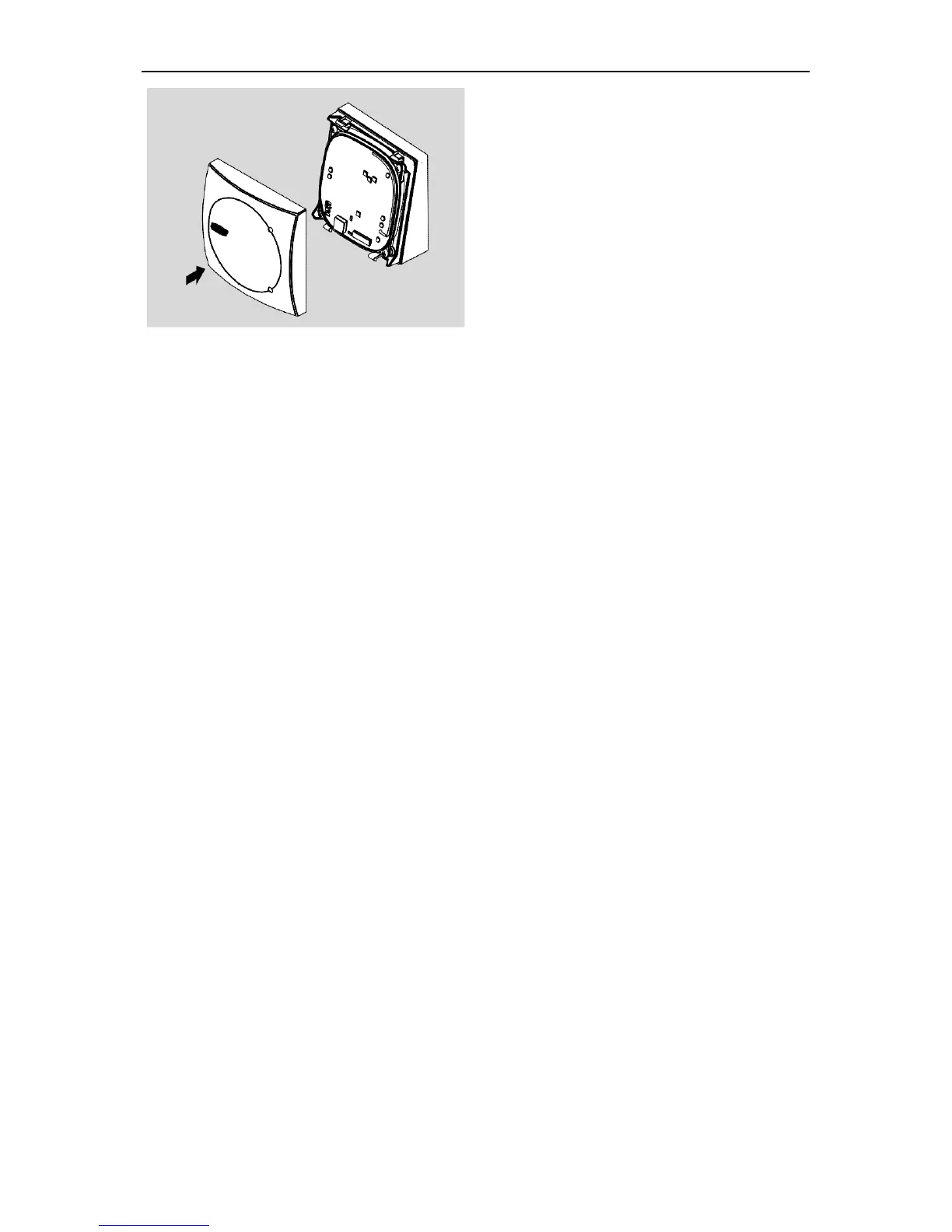
19. Fit the cover at the top and lock it in
place by applying light pressure.
Fig. 15: Cover for wall casing
If you want to remove the cover again later, carefully press the two latches back
(e.g. with a screwdriver) and pull the cover off the mounting frame. Disassembly
of the remaining components is carried out in the reverse order of installation.
The installation instructions of the respective reader variant must be followed for
installation of an ENiQ
®
Module Reader.



 To Next Page