_____________________________________________________________________________________
50
Status LEDs
Please note! After the system has been put into operation, you can
establish on the basis of the status LEDs on the ENiQ
AccessManager® whether any ENiQ
®
Passive Readers or ENiQ
®
Module Readers connected have been installed properly and
recognised by the controller.
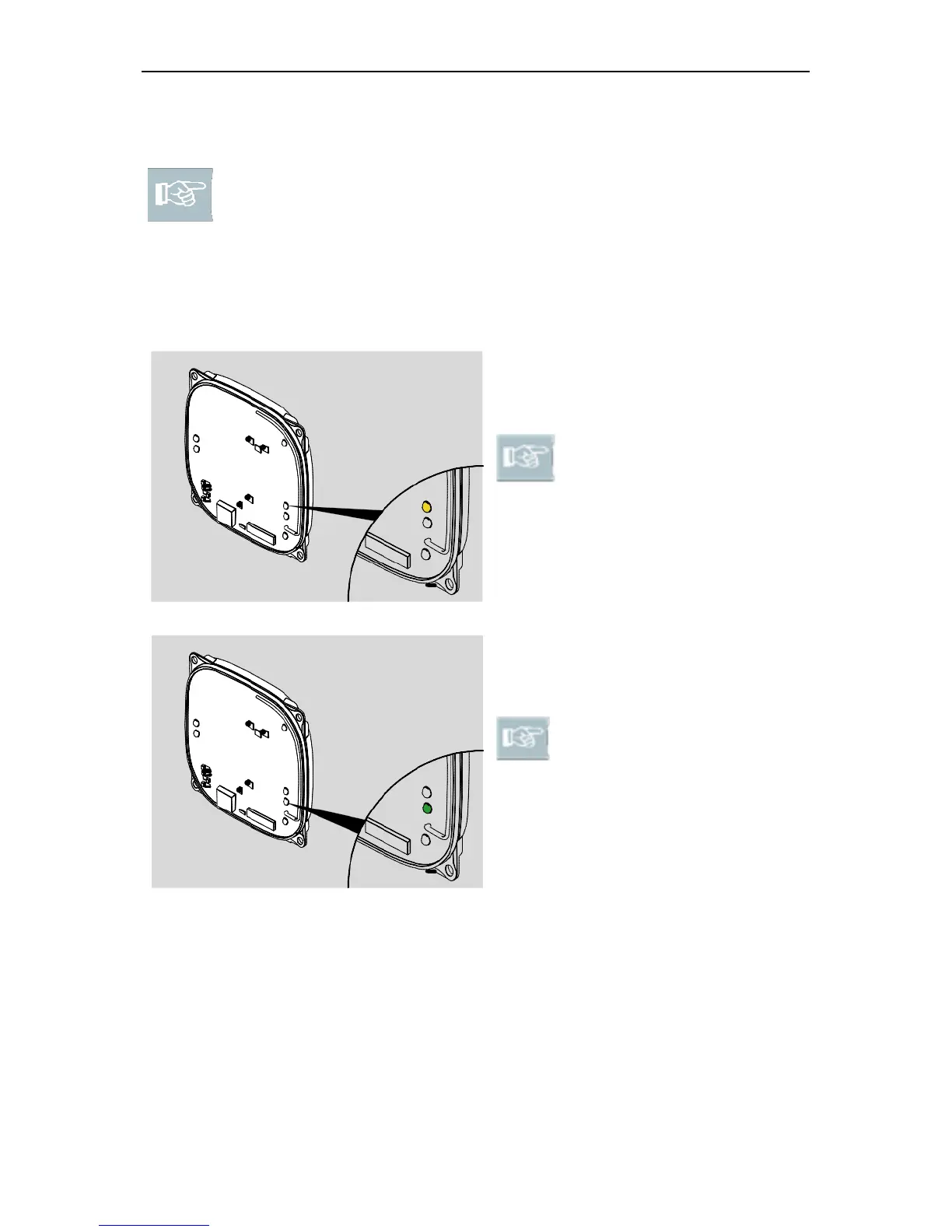
ENiQ AccessManager® Compact, ENiQ AccessManager® Terminal
Compact and ENiQ AccessManager® ITT:
With the voltage supply
connected, the upper right-hand
LED lights up yellow.
Please note! If the upper
right-hand LED does not
light up, check the voltage
supply connection.
Status LED voltage
When the Ethernet cable is
connected, the lower right-hand
LED lights up green.
Please note! If the lower
right-hand LED does not
light up, check the Ethernet
cable connection.
Status LED Ethernet



 To Next Page