ENiQ® Wall Readers & Terminals
_____________________________________________________________________________________
40
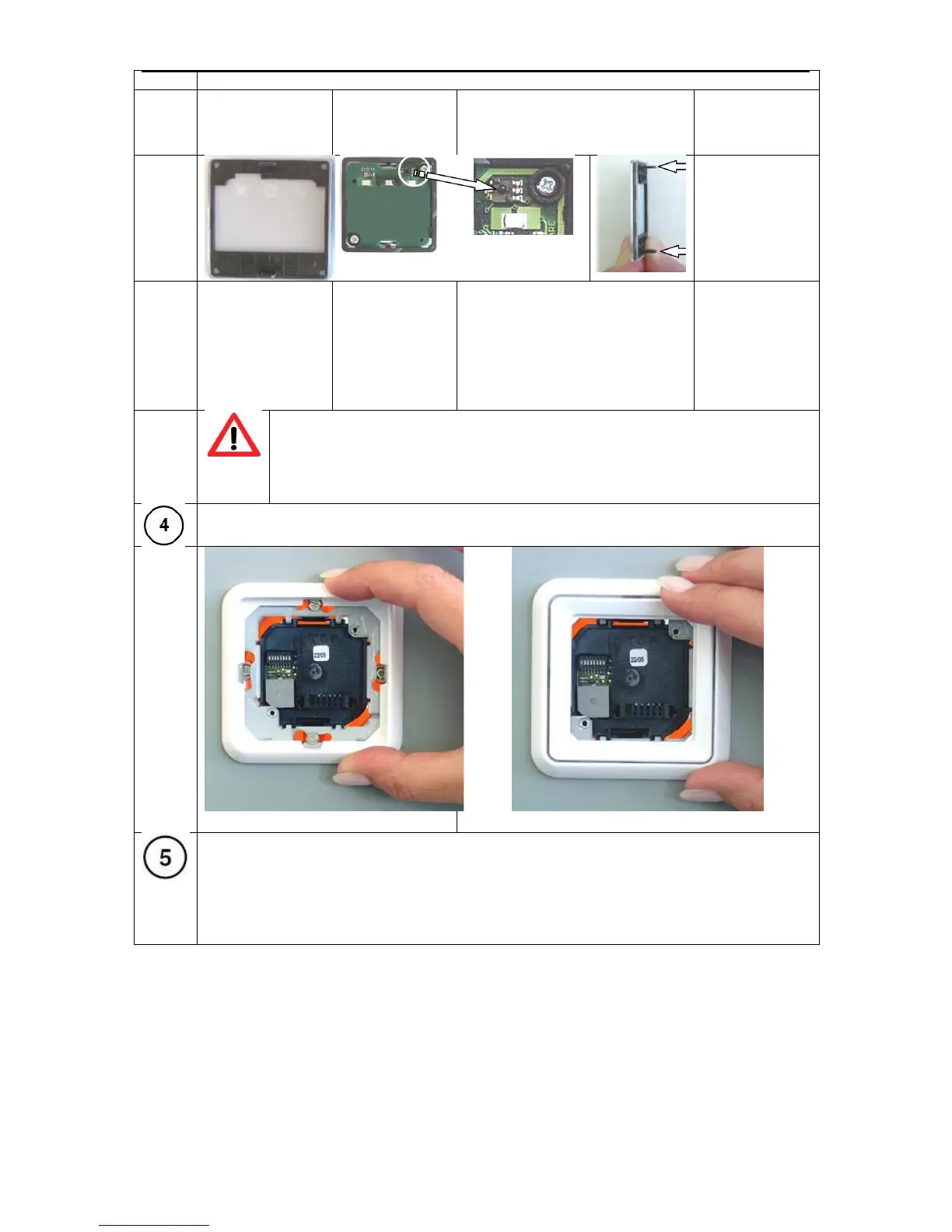
Transparent
cover with
snap-fit frame
Front module
with
integrated
reader
electronics
Enlarged view of the sabotage
contact
Caution!
During dismantling, take great care to ensure the sabotage contact
does not become mechanically damaged.
Position the cover frame with the standard intermediate frame in place on the back
module and hold it tight.
Insert the front module with the guide strips into the guide openings of the back
module. Care must be taken that all the direct connector pins are inserted into the
socket of the back module (without twisting) Then press the front module with the
standard intermediate frame onto the cover frame up to the mechanical stop and
screw it in place using the two safety screws.



 To Next Page