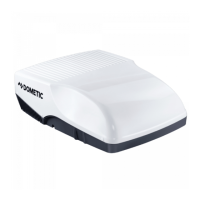
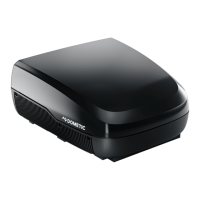
Technical description FreshWell3000
14
6.3 Remote control
All settings of the device (e. g. temperature settings, timer programming) are
transmitted to the under-bench air conditioner by remote control.
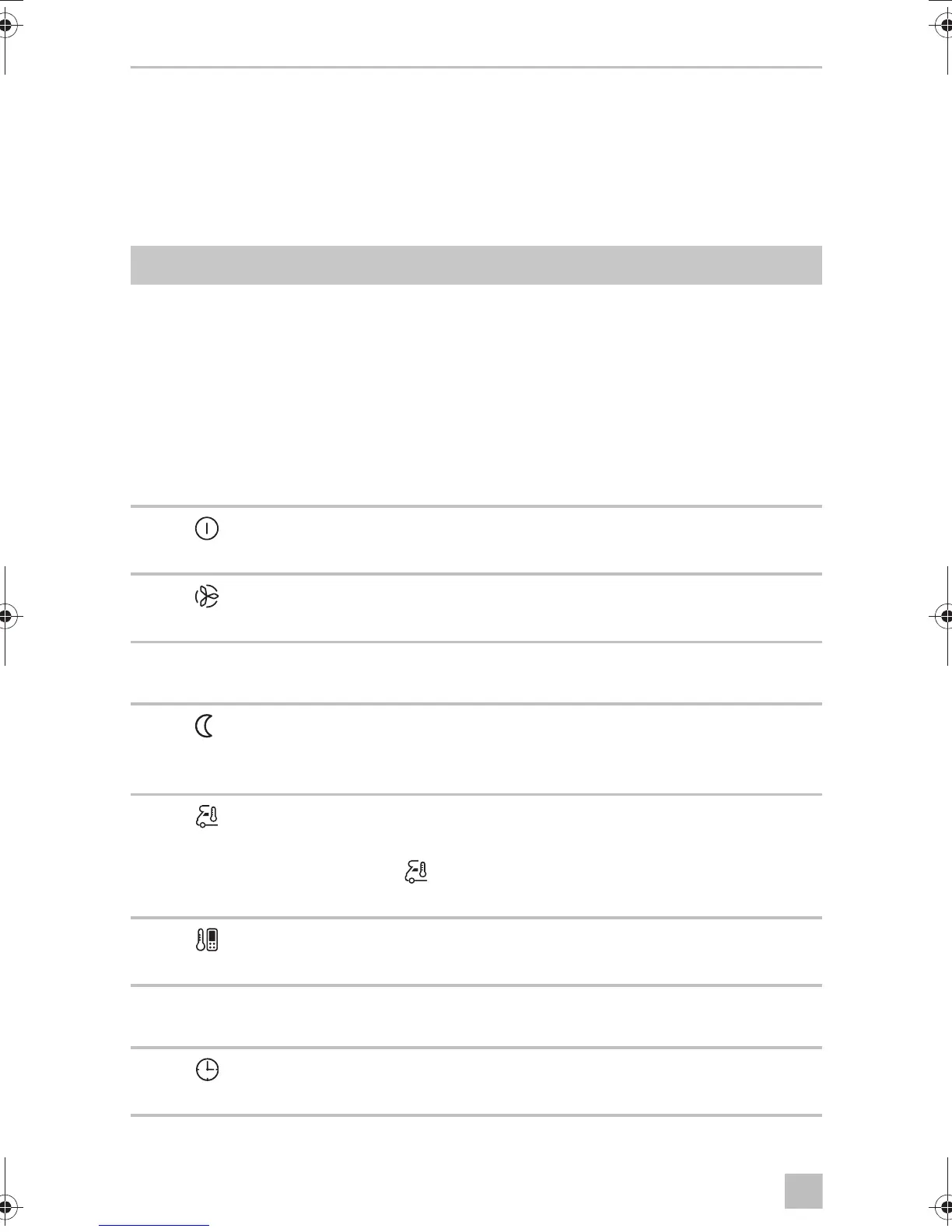
The following control and display elements are available on the remote control
(fig. 3, page 4) :
No. Explanation
1 Digital display:
Displays the following:
• Time
• Selected room temperature (target value) in °C or °F
• Actual room temperature
• Air conditioning mode
• Blower level
• Symbols for active additional functions
• Battery status
2
button:
Switches the air conditioner and remote control on or to stand-by mode
3
button:
Selects the blower setting
4 MODE button:
Selects the air conditioning mode
5
button:
Activates the sleep function. The sleep function automatically modifies the target
value to provide a pleasant sleeping temperature.
6
button:
Press once:
Press again:
Displays the current interior temperature
(symbol is displayed).
Displays the set temperature.
7
button:
No function assigned yet
8 °C/°F button:
Switches between temperature units Celsius (°C) and Fahrenheit (°F)
9
button:
Sets the timer and the clock
FreshWell3000-O-16s.book Seite 14 Freitag, 18. August 2017 2:14 14


 To Next Page
 Loading...