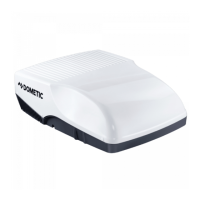
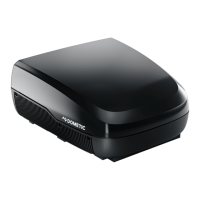
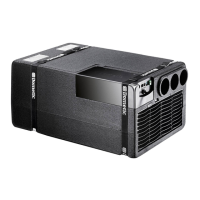
FreshWell3000 Operating the under-bench air conditioner
23
Setting the switch-off time
I
➤ Press the button twice.
✓ The OFF symbol ( ) flashes on the display of the remote control.
➤ Use the + or – button to set the time when the under-bench air conditioner is to
switch off.
➤ Press the SET button to transmit the value to the under-bench air conditioner.
✓ The switch-off time is set on the under-bench air conditioner.
The under-bench air conditioner runs in the selected air conditioning mode until
the specified time.
Setting the switch-on and switch-off times
➤ Press the button three times.
✓ The ON symbol ( ) flashes on the display of the remote control.
The OFF symbol ( ) is displayed.
➤ Use the + or – button to set the time when the under-bench air conditioner is to
switch on.
➤ Press the button again.
✓ The OFF symbol ( ) flashes on the display of the remote control.
➤ Use the + or – button to set the time when the under-bench air conditioner is to
switch off.
➤ Press the SET button to transmit the value to the under-bench air conditioner.
✓ The switch-on and switch-off times are set on the under-bench air conditioner.
The under-bench air conditioner starts in the selected air conditioning mode at
the specified time and runs until the second specified time.
➤ Switch the under-bench air conditioner to stand-by.
NOTE
The under-bench air conditioner must be switched on.
FreshWell3000-O-16s.book Seite 23 Freitag, 18. August 2017 2:14 14


 To Next Page
 Loading...