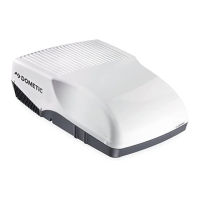
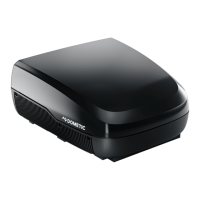
Operating the under-bench air conditioner Dometic FreshWell3000
22
8.5 Selecting the air conditioning mode
I
➤ Select the air conditioning mode of your choice using the MODE key, see
chapter “Air conditioning modes” on page 17.
✓ The under-bench air conditioner confirms the receipt of the values with a
high note.
✓ The under-bench air conditioner is switched to the selected air condition-
ing mode.
8.6 Selecting the blower setting manually
I
The blower controls the strength of the air supply.
In the “Cooling” ( ) and “Circulating air” ( ) modes, the blower levels can
be selected manually. In the other air conditioning modes, the under-bench
air conditioner controls the blower level automatically.
➤ Use the button to select the desired blower level.
✓ The under-bench air conditioner confirms the receipt of the values with a
high note.
✓ The new blower level has been set.
NOTE
The under-bench air conditioner must be switched on.
NOTE
The under-bench air conditioner must be switched on.
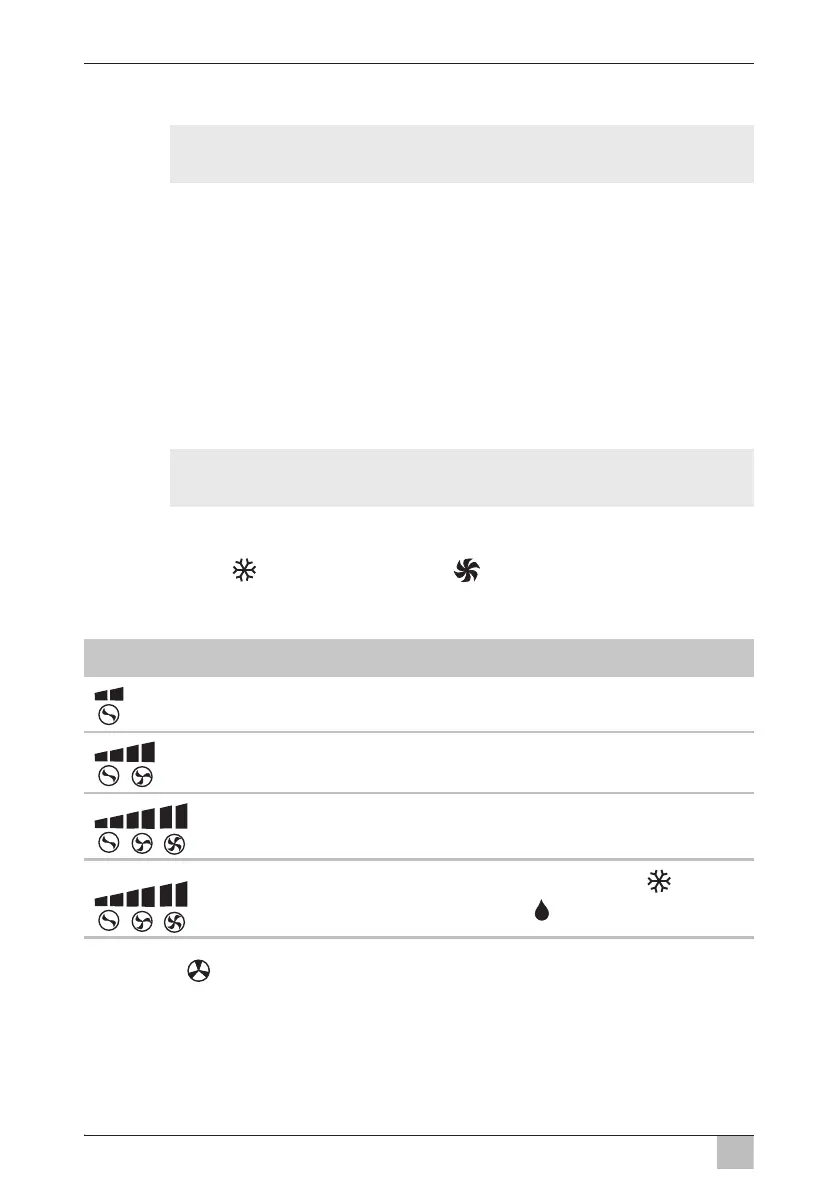
Display message Explanation
Low blower level
Medium blower level
High blower level
Automatic mode, only available in the “Cooling” ( ) air
conditioning and “Dehumidifying” ( ) modes.



 To Next Page
 Loading...