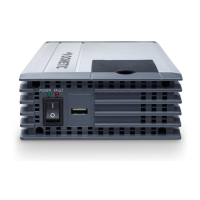
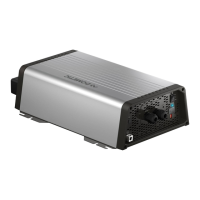
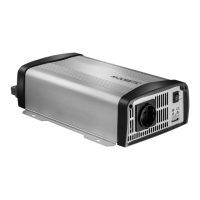
Using the inverter MSI924M
16
10 Using the inverter
10.1 Switching on the inverter
➤ Set the main switch (fig. 5 1, page 4) of the inverter to the “ON” position.
Set the On/Off switch to “OFF” to switch off.
➤ The inverter performs a self-test.
During the self-test, the LEDs flash.
✓ After the self-test is completed successfully, the “Input Level” (fig. 5 2, page 4)
and “Load Status” (fig. 5 3, page 4) LEDs light up green.
Observe the following when using the device (see also chapter “Troubleshooting”
on page 20)
The inverter switches off if:
• the battery voltage drops below 21 V for 10 seconds,
• the battery voltage drops below 18 V for 0.3 seconds
• the battery voltage exceeds 32 V,
• the inverter overheats.
➤ If this happens, shut down the inverter with the main switch(fig. 5 1, page 4).
➤ Check that the inverter is sufficiently ventilated and that the ventilation grilles are
unimpeded.
➤ Wait 5 – 10 minutes and switch the inverter on again without any electric
consumers.
After an under voltage (below 21 V) occurs the battery needs to be recharged to
keep 25 V for 3 seconds to restart the inverter.
When operating the inverter at high load for lengthy periods, it is advisable to start
the engine in order to recharge the vehicle battery.
MSI924M-IO-16s.book Seite 16 Mittwoch, 5. April 2017 5:18 17


 To Next Page
 Loading...