7
2.2.2. Changing feet
2.2.2.1. Front feet
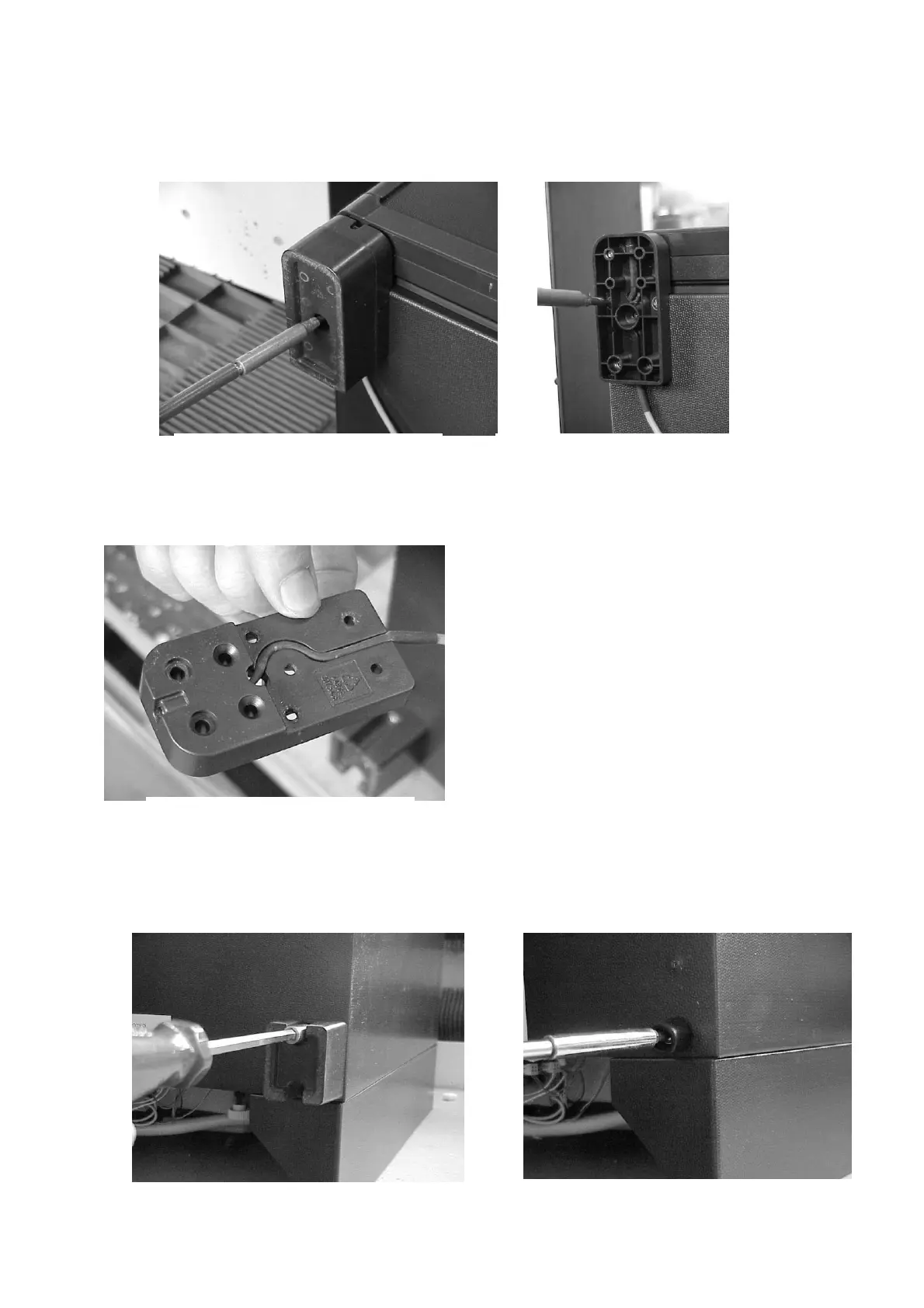
- Remove foot extension pieces by removing each screw (Figure14)
- Remove fastening feet by screwing each lot of 3 screws (Figure 15)
There are some appliances that are fitted with only fastening feet. The size of such
foot at the back is naturally smaller.
- Remove cables of red-dot from the fastening feet, where applicable.(Figure 16)
2.2.2.2. Rear feet
- Remove rear feet by removing each lot of 2 screws (Figure 17)
- In the case of small feet, remove the rear feet by removing each screw (Figure
18)
Figure 14 Figure 15
Figure 16
Figure 17
Figure 18



 To Next Page