2-14
EN
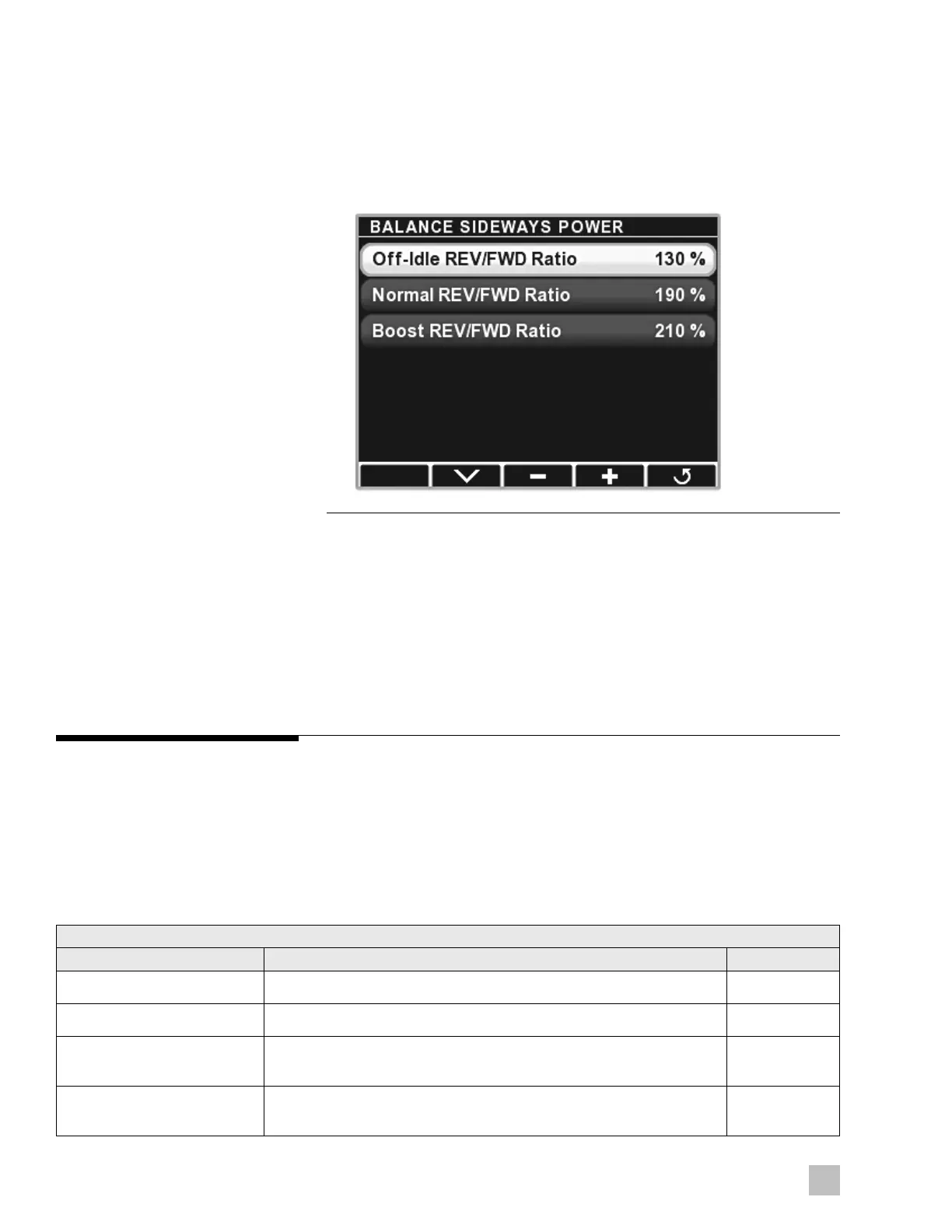
Figure 2-15.
STEP 3
1. Bring the boat to a stop with boost mode off.
2. Navigate to Dealer Menu > Initial Setup > Joystick > Balance
Sideways Power.
3. Select Off-Idle REV/FWD Ratio.
4. Move the joystick sideways to port only enough to engage gears.
a. If the boat moves aft, press – to decrease the ratio. If it moves
forward, press + to increase the ratio.
b. Press Save.
c. Repeat until the boat rotates on the spot with no fore/aft movement.
The final value should lie between 100% and the Normal Rev/FWD
Ratio value.
2 .7.2
Settings
There are several SeaStation parameters and they are not intended to be
changed in a typical installation – they are available for special cases.
All parameters are accessible through the CANtrak at Dealer Menu >
Devices > Main Joystick > Configuration > SeaStation > General
Settings.
If there are multiple joysticks, parameters must be changed in each of them.
Table 2-2.
SeaStation Parameters
Name Function Default Value
Shi out of gear RPM SeaStation will not shi out of gear if engine RPM is above this value 900 RPM
Shi Into of gear RPM SeaStation will not shi into gear if engine RPM is above this value 900 RPM
Position error for warning SeaStation will sound an alarm if target position and actual position
differ by this value
12 meters
Heading Error For Warning SeaStation will sound an alarm if target heading and actual heading
differ by this value
45°



 To Next Page