3-3
EN
3.2.3 Standby mode
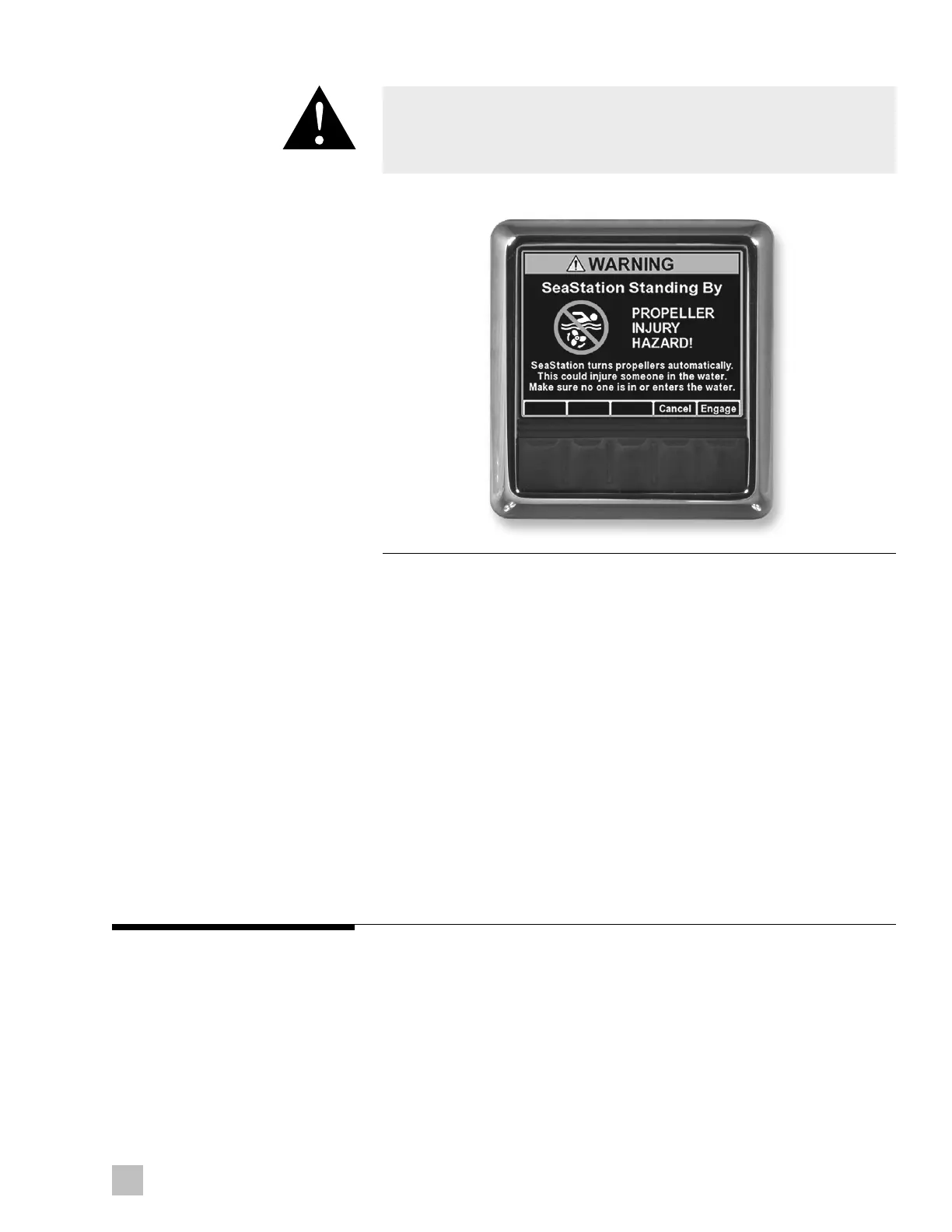
If SeaStation is active, grabbing the joystick enters manual mode and forces
SeaStation into standby. SeaStation can be resumed by pressing Engage
on the CANtrak. Position and heading targets will be re-acquired.
Once SeaStation is engaged, POSITION MODE and HEADING MODE
can be toggled on and off at any time without deactivating SeaStation.
For example, if you were to engage POSITION MODE, you could later add
on HEADING MODE. Target position or heading is captured either when
Engage is pressed on the display, or when the respective mode is toggled
on while SeaStation is already active.
Only when both modes are off is SeaStation fully disengaged –
re-engagement requires confirmation on the display again.
SeaStation is disengaged if:
• Both modes are turned off
• The joystick is moved
• Command is transferred to another joystick or control head
Figure 3-2. SeaStation engagement screen.
WARNING!
SeaStation positions the vessel in a general area. Only engage SeaStation
if your vessel is a safe distance from surrounding objects such as docks
or buoys.



 To Next Page