SinePower Using the inverter
17
10 Using the inverter
10.1 Switching on the inverter
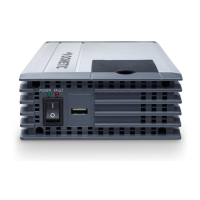
➤ Set the main switch (fig. 2 1) of the inverter as follows:
–“0”: to switch the inverter permanently off
–“I”: to switch the inverter permanently on
–“II”: to switch the inverter on and off with a remote control (accessory)
➤ The inverter performs a self-test when starting.
✓ After the self-test is completed successfully, the LED lights up blue (fig. 2 2).
10.2 Status indications
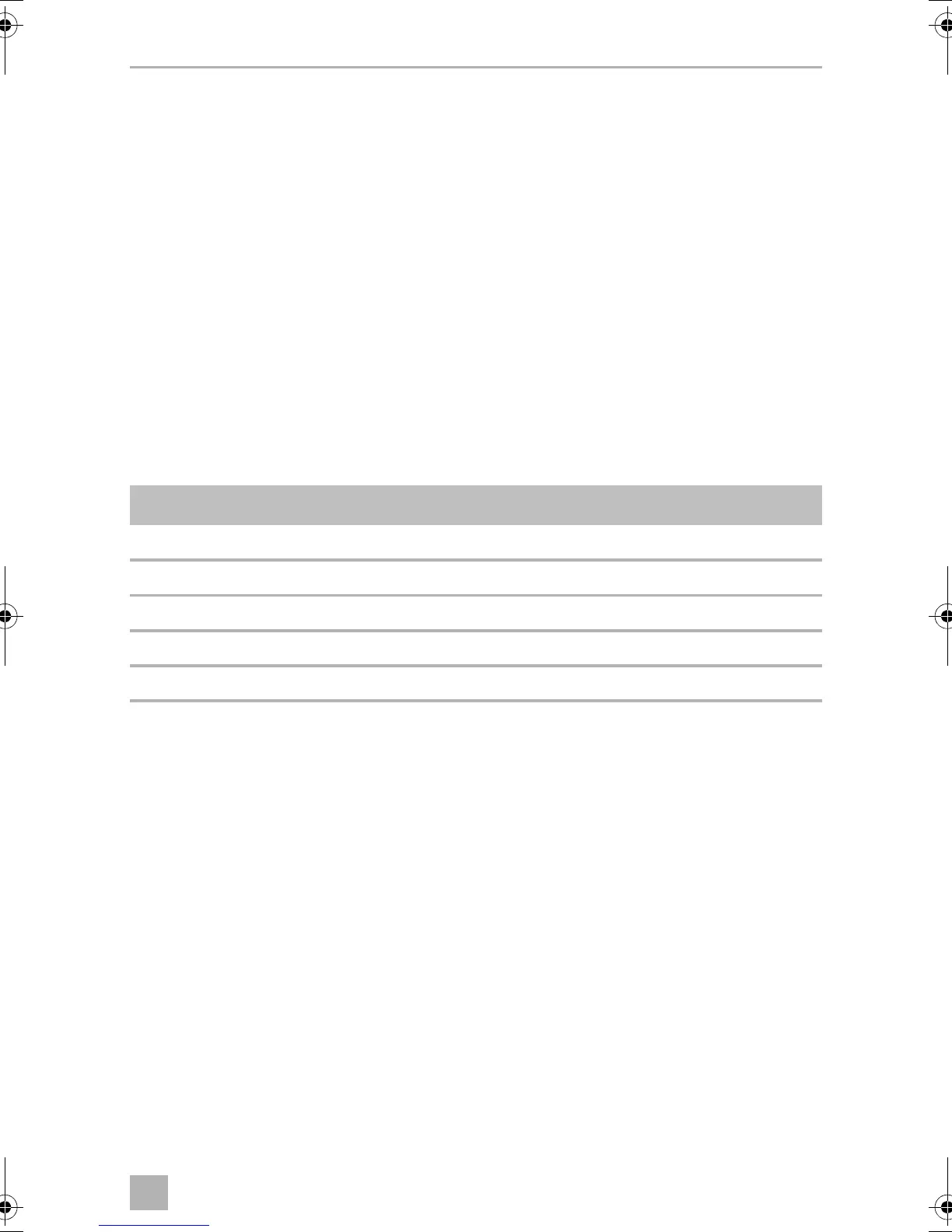
The blue LED (fig. 2 2) shows the operating condition of the inverter.
The inverter switches off if:
• The battery voltage drops below 10 V (12 Vg connection) or
20 V (24 Vg connection).
• The battery voltage exceeds 16.5 V (12 Vg connection) or
33 V (24 Vg connection).
• The inverter is overloaded.
• The inverter overheats.
➤ If this happens, shut down the inverter with the main switch (fig. 2 1).
➤ Check that the inverter is sufficiently ventilated and that the ventilation grilles are
unimpeded.
➤ Wait 5 – 10 minutes and switch the inverter on again without any electric
consumers.
Display Input voltage
Constantly lit Normal mode
Long flash, short interruption Inverter overheated/Overload
Quick flash Overvoltage/Undervoltage
Short flash, long interruption Insulation monitor has shut down the inverter
Off Other fault
DSP1300T-3500T--IO-16s.book Seite 17 Freitag, 1. Dezember 2017 8:54 08


 To Next Page
 Loading...