12
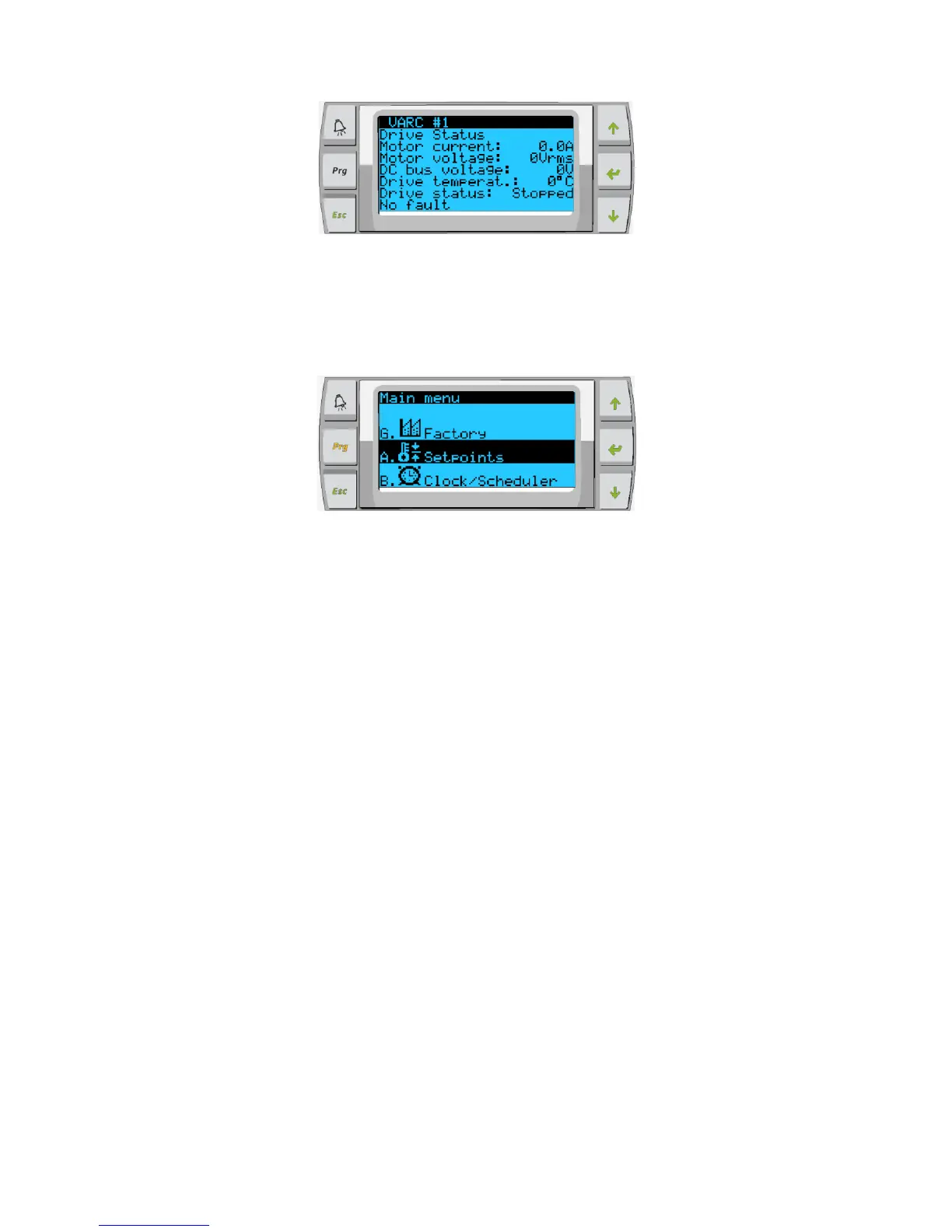
The final screen will contain the image of the refrigerant circuit and contain the valve position information.
To change the setpoint of the chilled water. The user must press the program button and scroll to Menu item B. Setpoint. The password
prompt will be displayed and 1234 must be entered to have access to change the value from the default.
Figure 14:
Main Menu Items: Screen Navigation Tree
Press enter to select items to view and up/down the screen will automatically return to the main
status screen.
Menu A: On/Off Unit
o Unit Address: 1 (Default)
o Power By Display: ON (Default)
o Status: Unit ON
Menu B: Setpoints: Password required (1234)
o Heating Setpoint 110 (Default)
o Cooling Setpoint 48 (Default)
Current Limiting:
o Mode: Normal (Default) Econo or Boost
o Econo: 4 Amps
o Normal: 9 Amps
Configuration:
o Temperature Units: F (Default) Or C
o Pressure Units: PSI (Default) or Bar
Menu C: Clock/Scheduler



 To Next Page