23
ENGLISH
DOORBIRD CONNECT
The device features many options to integrate it into third-party applications.
For information, terms and conditions see www.doorbird.com/connect
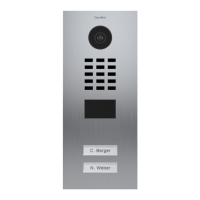
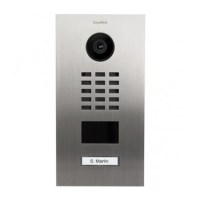
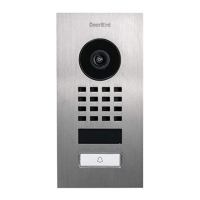
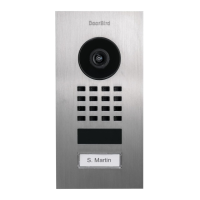
CHANGING THE LABEL OF A CALL BUTTON NAMEPLATE
Applies only to devices with 1 and more illuminated call buttons
with nameplate.
Engraving Service
Engraving service for a modern and clean appearance:
www.doorbird.com/engraving
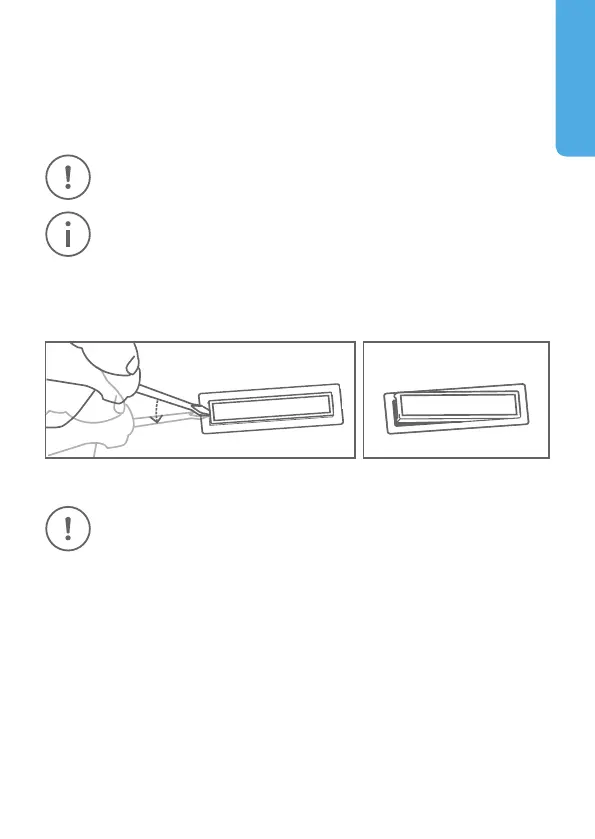
Please follow STEP 1 to switch off power. We recommend to use a thin slot
screwdriver to remove the cover of the nameplate. We recommend to use
white paper for the label which does not absorb moisture.
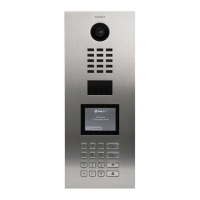
CHANGING THE LABEL OF THE INFO MODULE
Applies only to devices with Info Module.
Please follow STEP 1 to switch off power and STEP 2 to open the device. You
can then change the labeling of the Info Module in the inside. We recom-
mend to use white paper for the label which does not absorb moisture.


 To Next Page