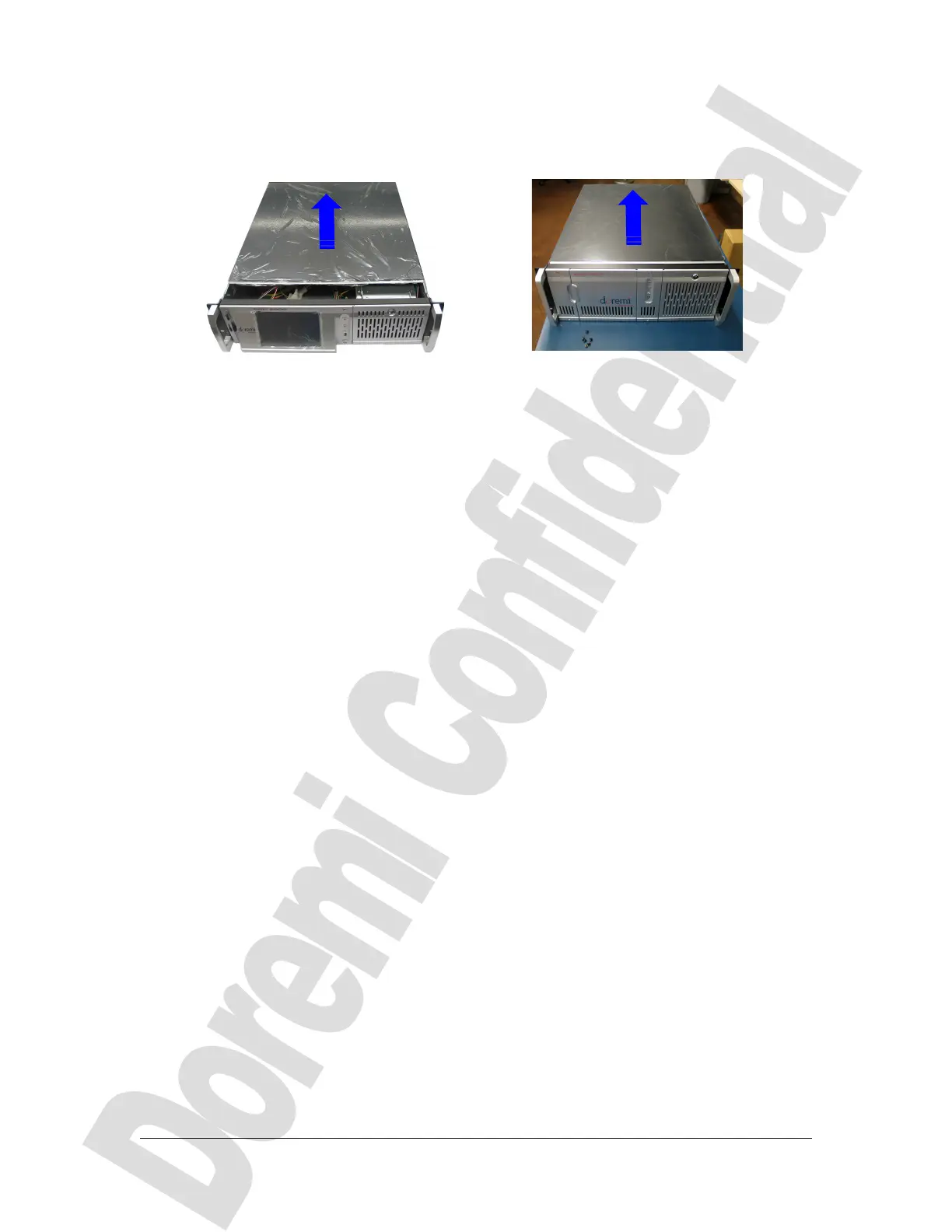
◦ Slide the lid from the front side to the rear side of the unit and lift it in order to
remove it from the chassis, as shown on Figure 4:
(a) (b)
Figure 4: Lid Removal – (a) DCP-2000, (b) DCP-2K4
D2K.DP.000804.DRM Page 6 Version 1.0
Doremi Cinema LLC Confidential
Slide the cover to the
rear side of the
chassis



 To Next Page