Using the monitor
Turning on the monitor
1. Press the power button on the computer to turn it on.
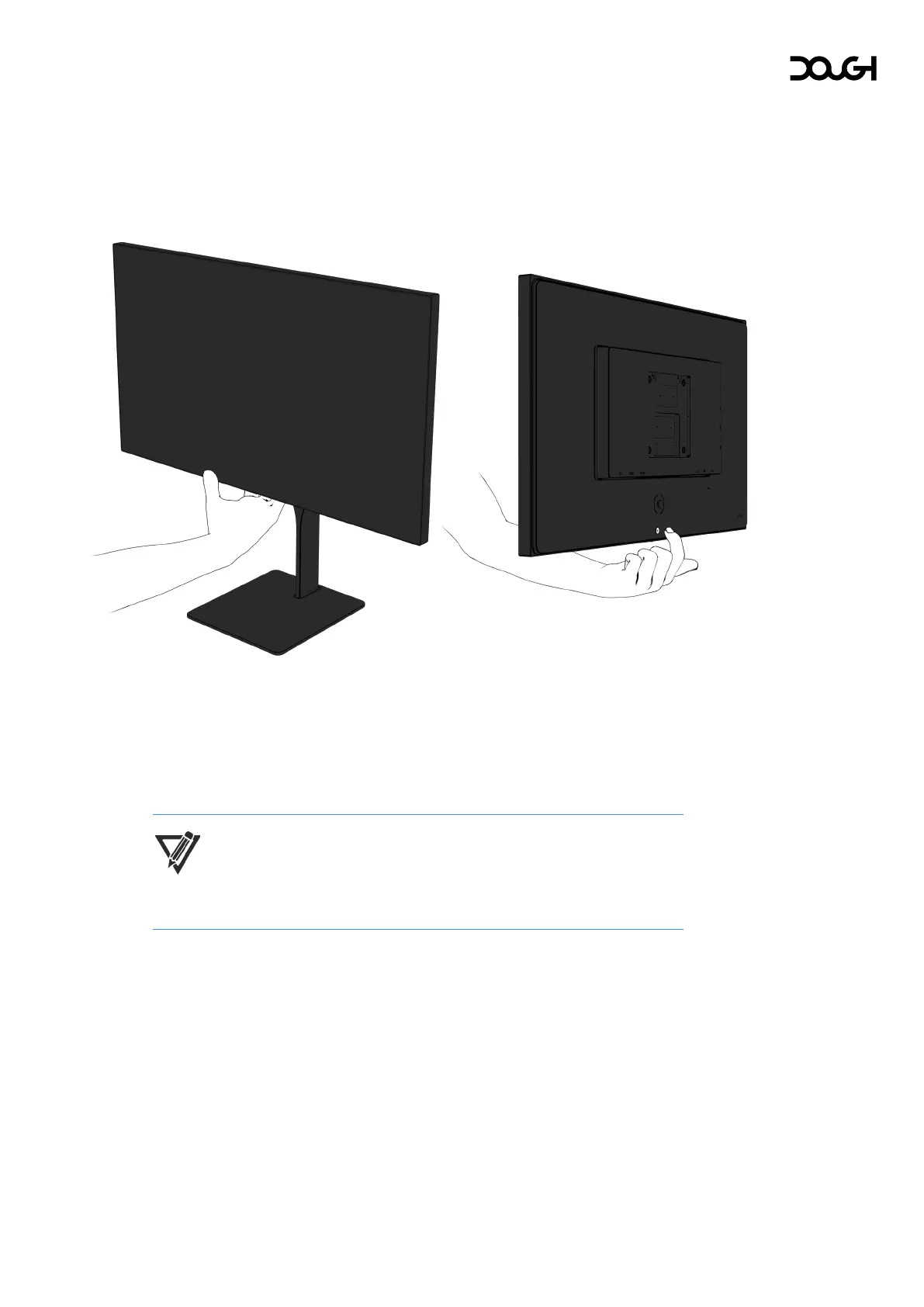
2. Press the power button on the rear of the monitor to turn it on.
When the monitor is first turned on, the monitor automatically scans the signal
inputs for an active input and uses that input for the screen.
The indicator light at the bottom of the monitor will light up white when the monitor
is active.
NOTE: You can change the behavior of the indicator light or disable it
entirely in the on-screen display (OSD) menu.



 To Next Page