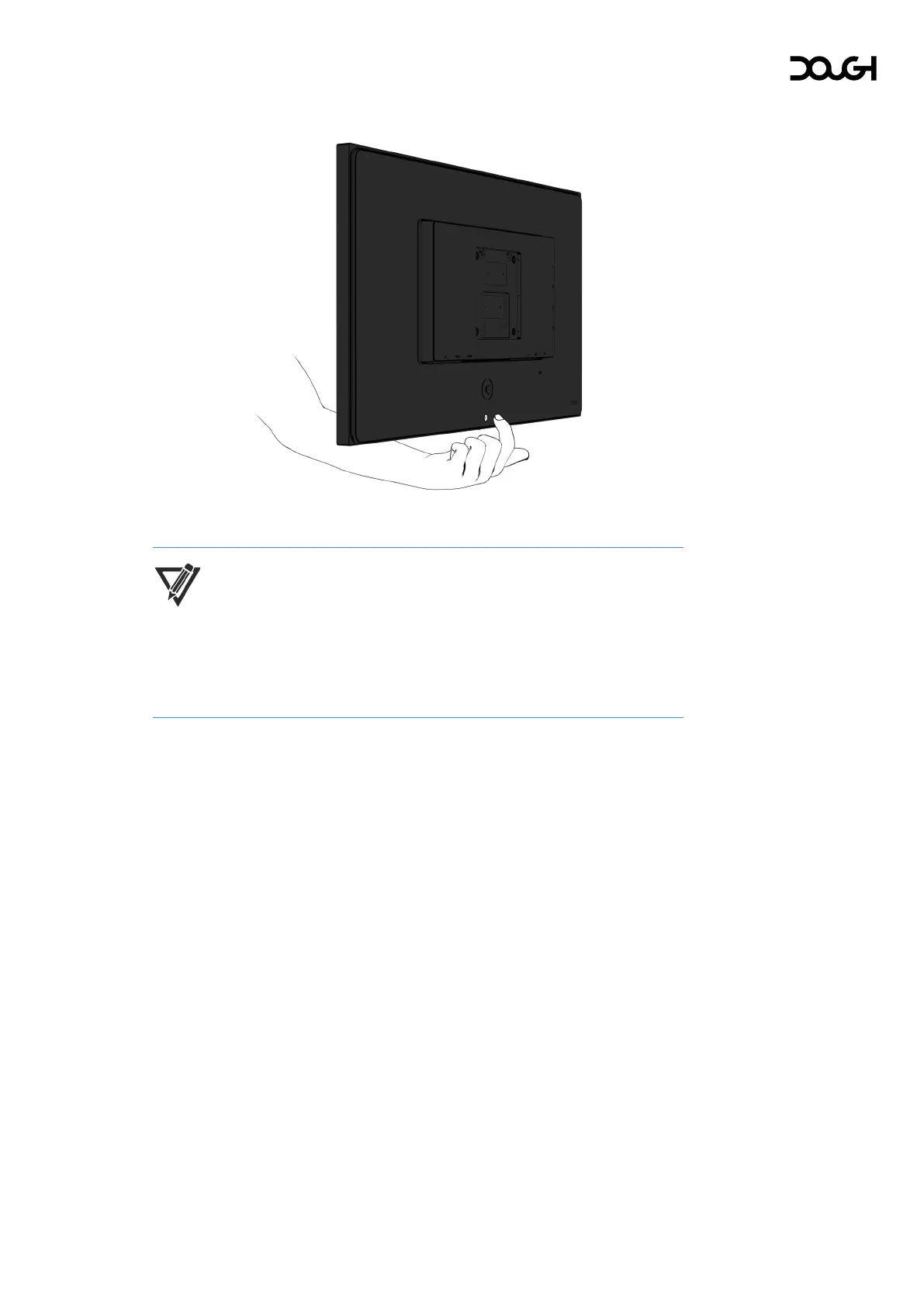
Turning off the monitor
1. Press the power button on the rear of the monitor to turn it off.
NOTE: If there is no video signal for a prolonged period, the monitor will
enter standby mode. This means that the monitor is not turned off and will
resume operation once a video signal is available again. By default, the
indicator light will gradually dim and brighten in a breathing effect to
indicate standby mode.



 To Next Page