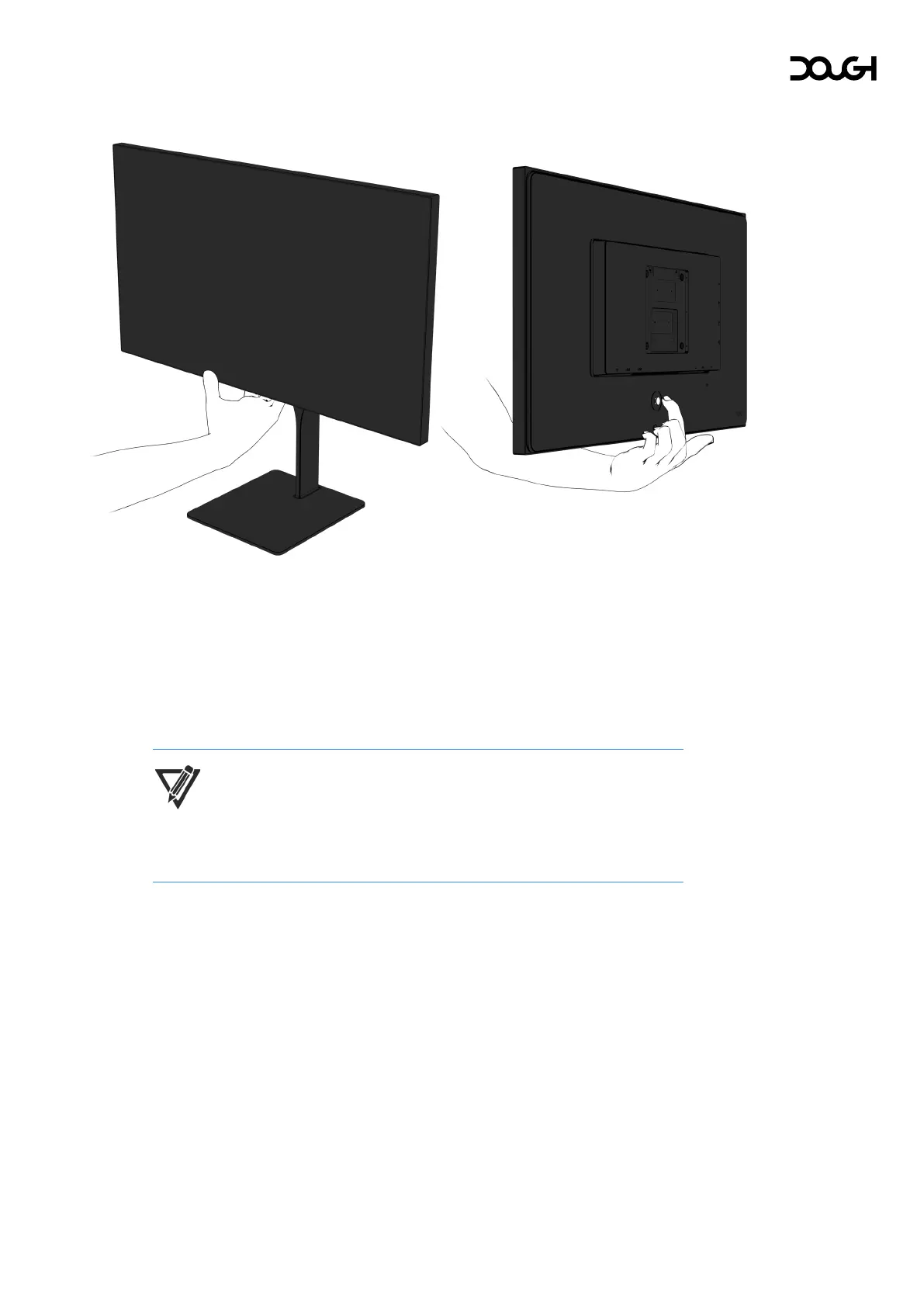
Quick actions
Pressing the joystick in any direction when the OSD menu, crosshair overlay, and
frame rate counter overlay are not active, will perform quick actions. These lets you
quickly enable or disable features, or cycle through available options:
• Pressing down will cycle video input sources.
• Pressing up will cycle USB hub input sources.
• Pressing left will enable or disable the frame rate counter overlay.
• Pressing right will enable or disable the crosshair overlay.
NOTE: These quick actions are not available when Spectrum is in standby
mode. Depressing the joystick will temporarily activate the monitor and
allow the changing of video- and USB hub input sources.



 To Next Page