Support and troubleshooting
Contacting support
If you cannot solve a problem using the troubleshooting tips in this section, you may
need to contact technical support at https://www.dough.tech/pages/support
. Have
the following information available when you contact Dough:
• Monitor model number
• Monitor serial number
• Purchase date on invoice
• Conditions under which the problem occurred
• Any error messages received
• Your hardware configuration
• Name and version of the software you are using
Locating the model and serial number
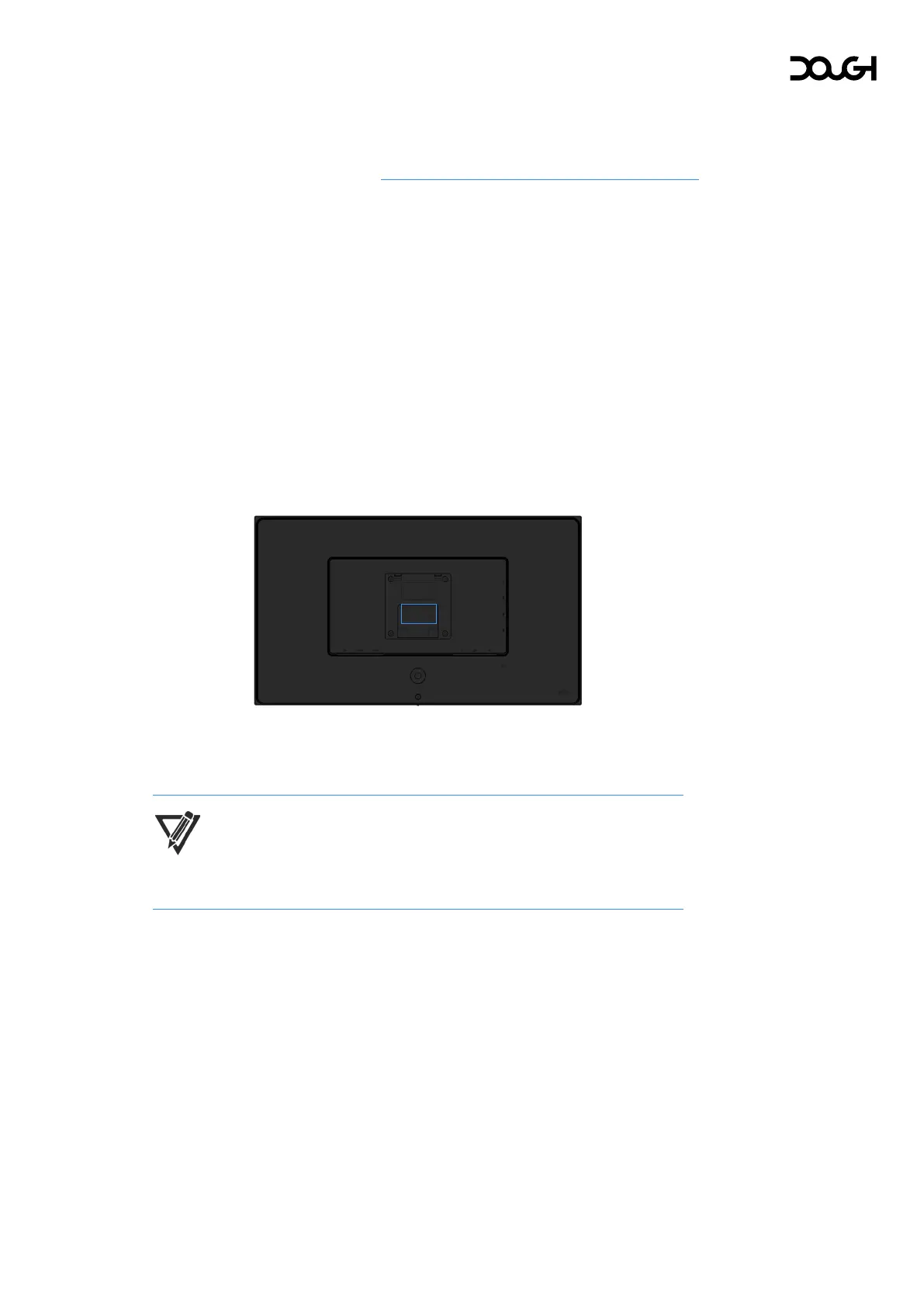
The serial number and product number are located on a label on the rear of the
monitor. You may need these numbers when contacting Dough about your issue.
The model number is a seven-digit alphanumerical code starting with ‘ES’.
The serial number is a twelve-digit alphanumerical code starting with ‘EVE’.
NOTE: You may need to remove the Spectrum Stand or VESA mount in order
to read the label.



 To Next Page