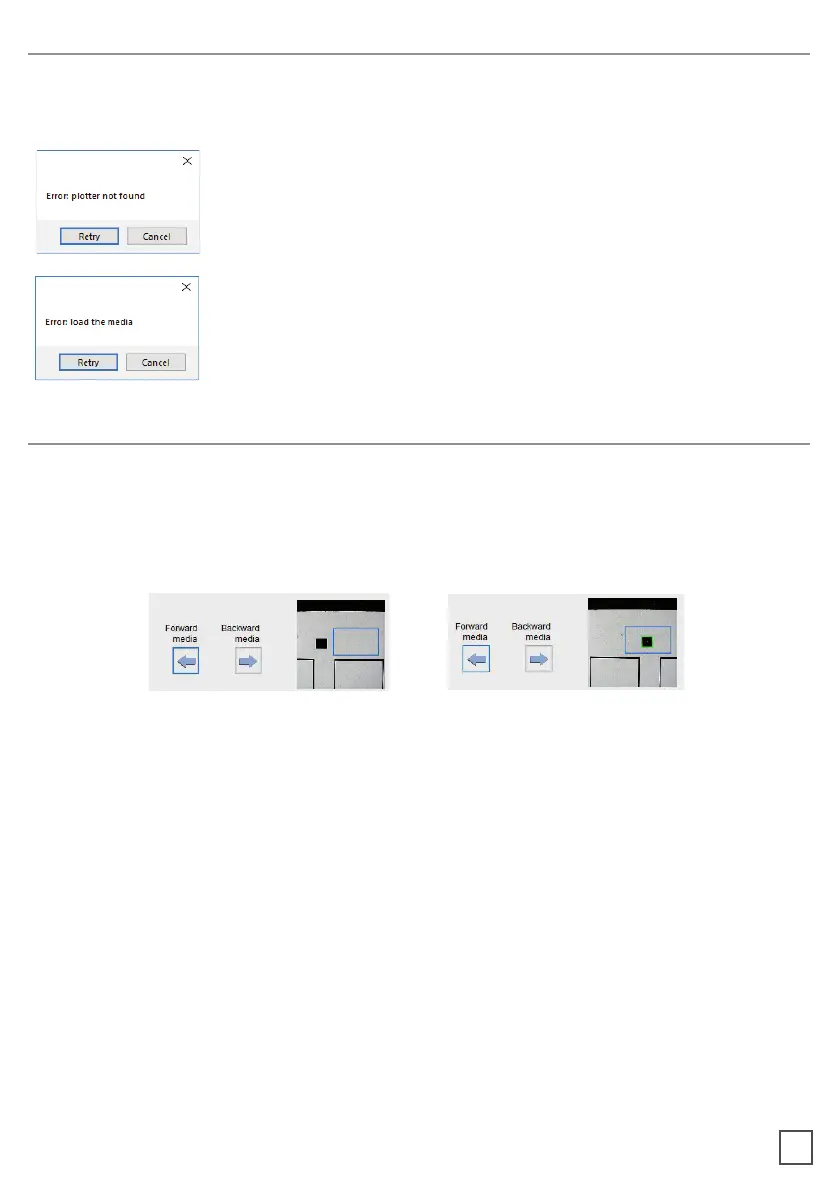
If the plotter is not connected correctly to the computer, the following errors will be
displayed at the application launch:
Make sure the plotter is switched on and properly connected.
the button 2 on control panel and wait until the display will show
“READY” as status. Then press retry on the popup window.
Ensure the media is loaded properly. Raise the lever on the
plotter, then press the number 2 on control panel. wait until the
display will show “READY” as the status. Then press retry on the
popup window.
To prevent any issues, it is important that the camera is reading the black-mark properly.
Look at the camera preview, hold down “BACKWARD MEDIA” or “FORWARD MEDIA”
arrows to move the web until the black-mark goes in the center position of the blue
rectangle area.
16
ERROR MESSAGGES
BLACK-MARK DETECTION



 To Next Page