EasyManua.ls Logo

DPR SCR22 - How to Replace the Cutting Mat

Default Icon
40 pages
Print Icon
To Next Page IconTo Next Page
To Previous Page IconTo Previous Page
Loading...
HOW TO REPLACE THE CUTTING MAT
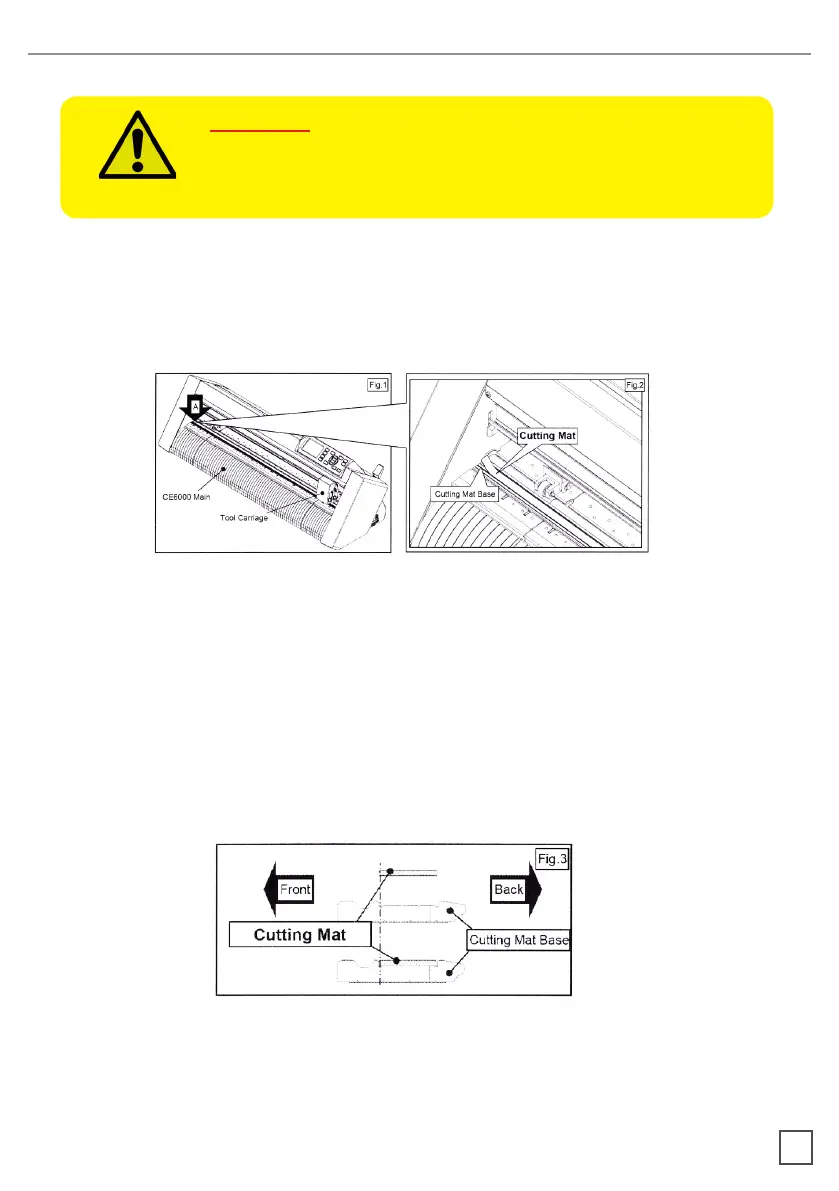
1. Remove the cutting mat.

-Please remove only the cutting mat from the cutting mat base from the location
 
- After removing the cutting mat, please make sure that there is no adhesive tape
or other adhesives left on the cutting base.
- Please clean the cutting mat base before installing the cutting mat.
󰀨
2. Installing the cutting mat.

󰀨
CAUTION:
Please turn o the power when replacing the cutting mat.
Please move the tool carriage to “A” position allowing
for ease of work.
28