label step
18
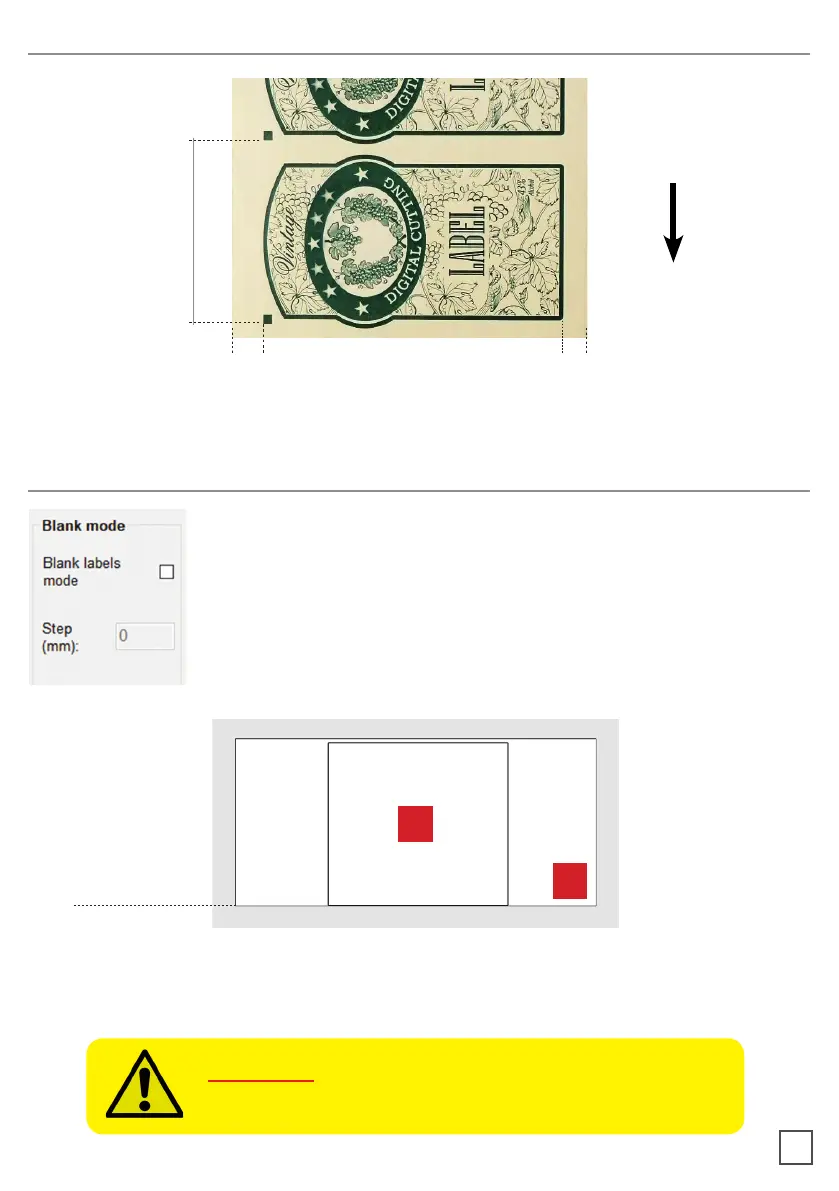
BLACK-MARK POSITION IN THE MEDIA
If you wish to use the “blank label” feature to cut blank labels (without
registration mark), please follow these steps:
2. Select the “blank label” feature from the software and enter the
number of copies that you wish to cut.
3. Click “Start”.
HOW TO CUT BLANK LABELS
WARNING: Please note that enabling the blank label
will automatically be added to the gap that you will enter in the “STEP” item.
1. Diecut shape
2. Size of File
1
2
distance of black-mark
from left edge:
minimum advised between
5mm and 10mm
distance of cut line
from right edge:
minimum advised between
5mm and 10mm



 To Next Page