The cutting manager works on windows
OS from vista. We do not guarantee its
functionality on windows XP.
Corel Draw (PDF).
panel.
3
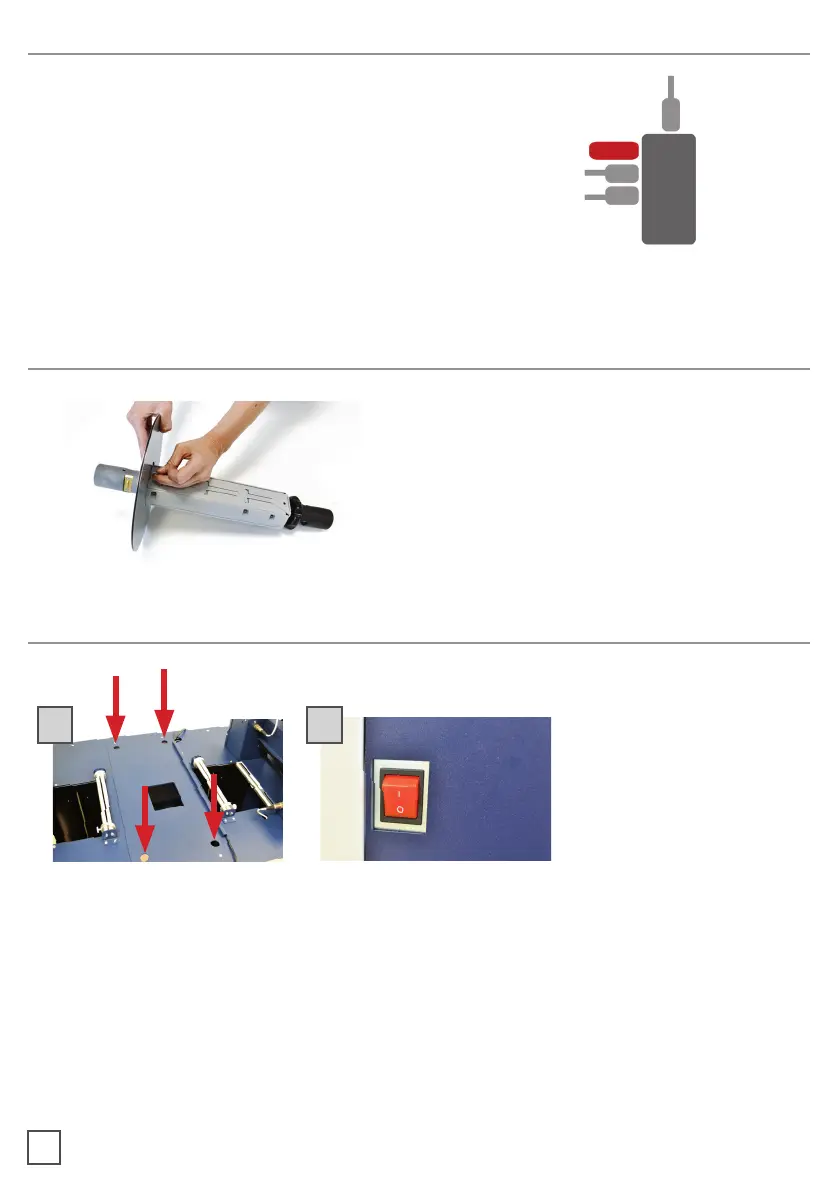
Using a screwdriver, install the outer disc on
the Core Holder for printed rolls.
SYSTEM REQUIREMENTS
HOW TO INSTALL OUTER DISC
HOW TO INSTALL THE PLOTTER
A. Pull the plotter from the packaging and place it on the plate, make sure to push the
rubber feet into the holes.
B. Plug the machine and switch on.
A B



 To Next Page