34
Cause:
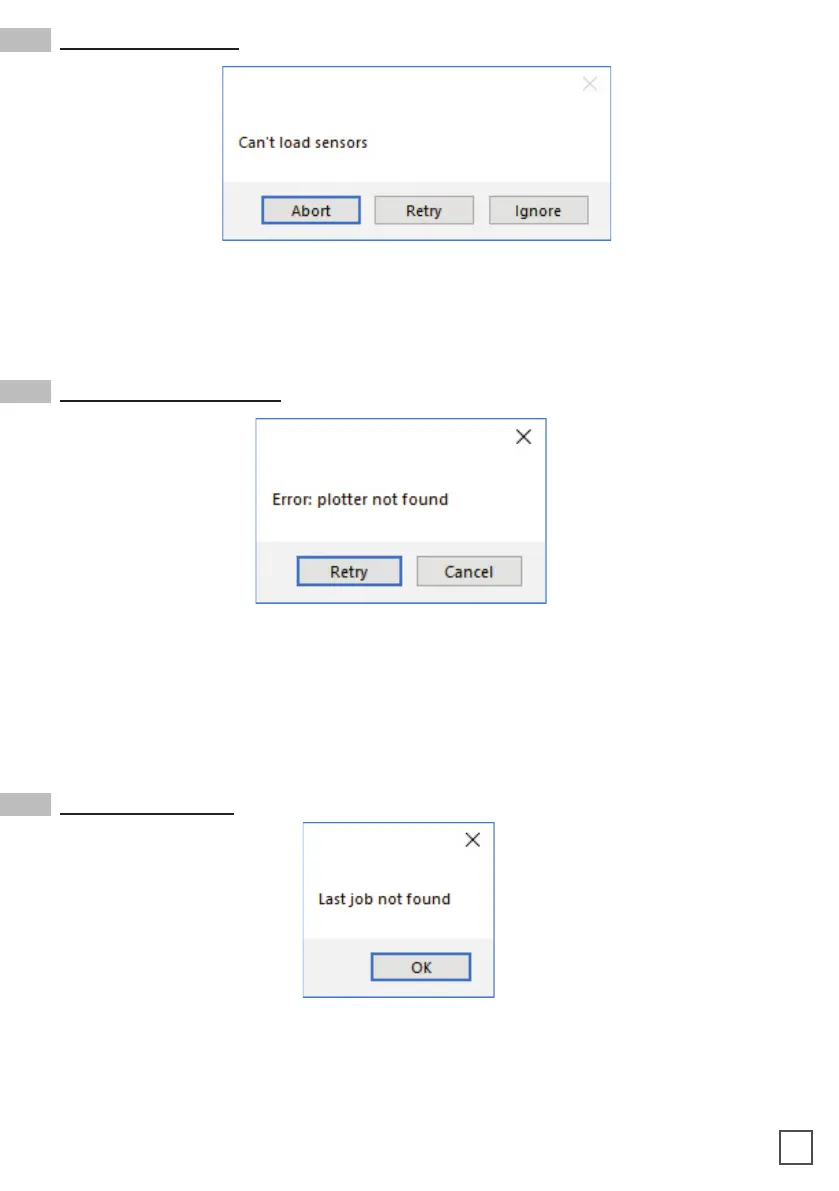
Fix: Check if sensors are powered up and plugged correctly into the black sensor box.
Then Retry. If you do not want to keep activated the sensors, click Ignore.
Can’t load sensors
Cause:
Fix: Make sure the plotter is turned on and properly connected.
control panel and wait until the display will show “READY” as status. Then press
retry on the popup window.
Error: plotter not found
Cause: You will get this error when you try to open the last job when you run Cutting
Fix:
Last job not found



 To Next Page