DQ Technologies, Inc., phone: 512.248.8324 - www.dqtech.com
15
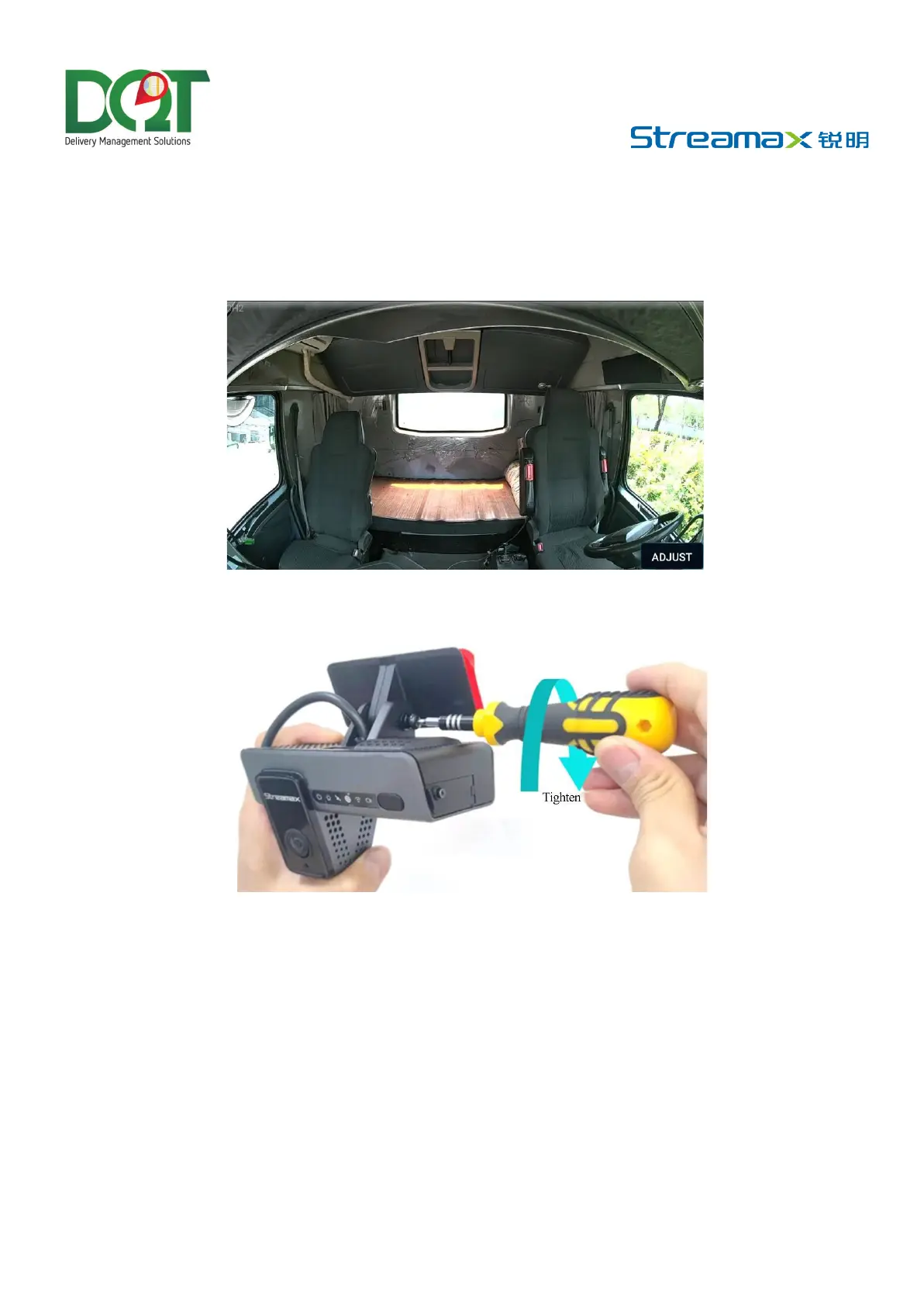
1) The center of the cab will be in the middle of the screen.
2) The cab screen shall be horizontal.
3) The vehicle steering wheel shall be shown at the lower right corner of the screen.
The cab rendering after the lens for cab monitoring is properly adjusted as follows:
Use a screwdriver to fasten the bracket studs clockwise so that the Dashcam will not shake easily.
*Note:
• Make sure that the connection between the bracket and the Dashcam is fastened, so that the
Dashcam will not shake easily. Otherwise, the GPS positioning will be inaccurate.
• Don’t power up the device until it has been firmly secured
• If the device is fixed and installed after power-on, it shall be powered on again before being tested
or used.



 To Next Page