DQ Technologies, Inc., phone: 512.248.8324 - www.dqtech.com
25
• Return to the real-time preview screen of the ADAS channel (by double-tapping the
ADAS channel to enter the mainstream screen), and check and confirm that there is
no calibration line superimposed on the screen at this time, which means that the
ADAS channel has returned to normal mode.
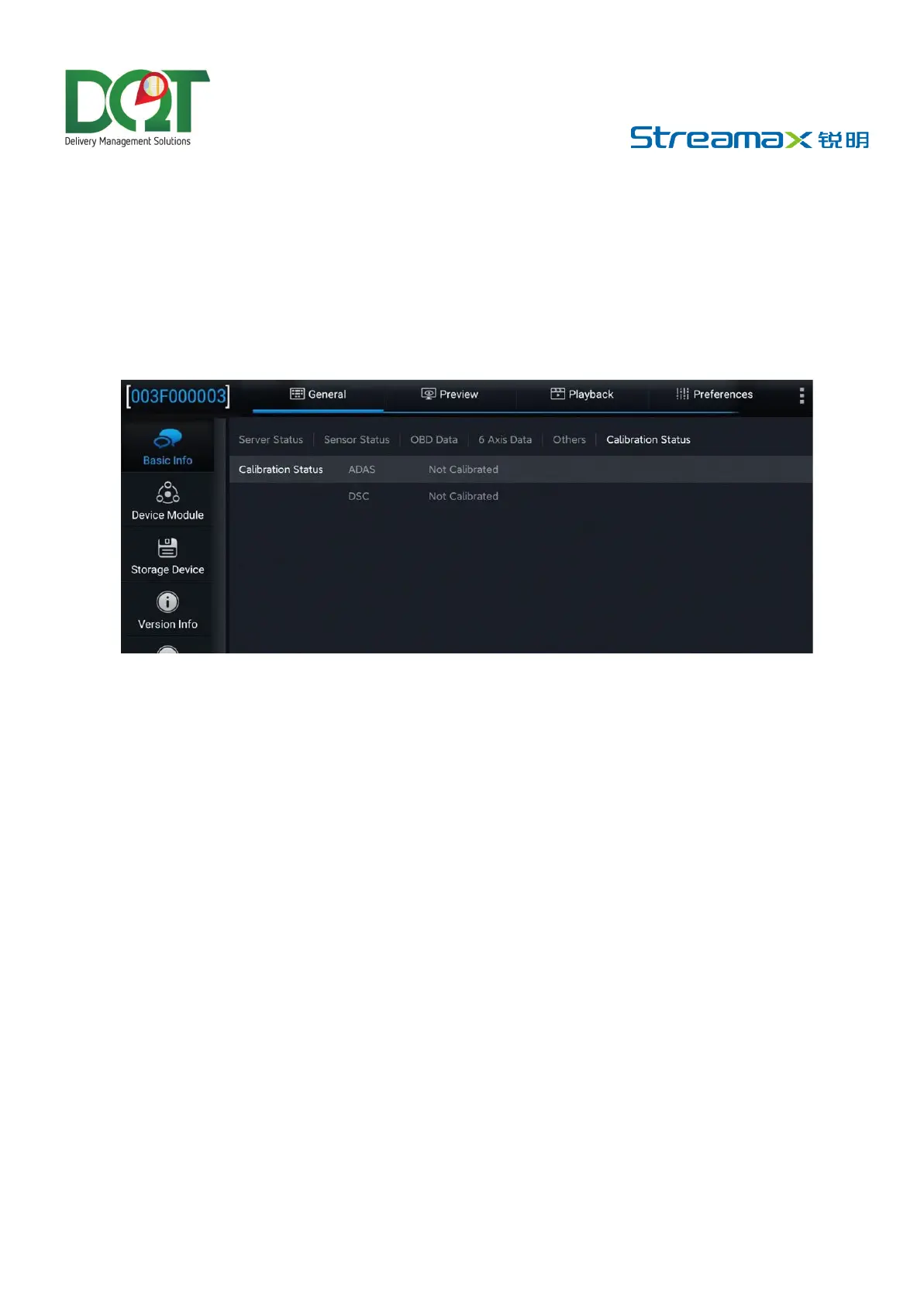
At this point, the calibration operations of the AD Plus2.0 from the preview screen are completed.



 To Next Page