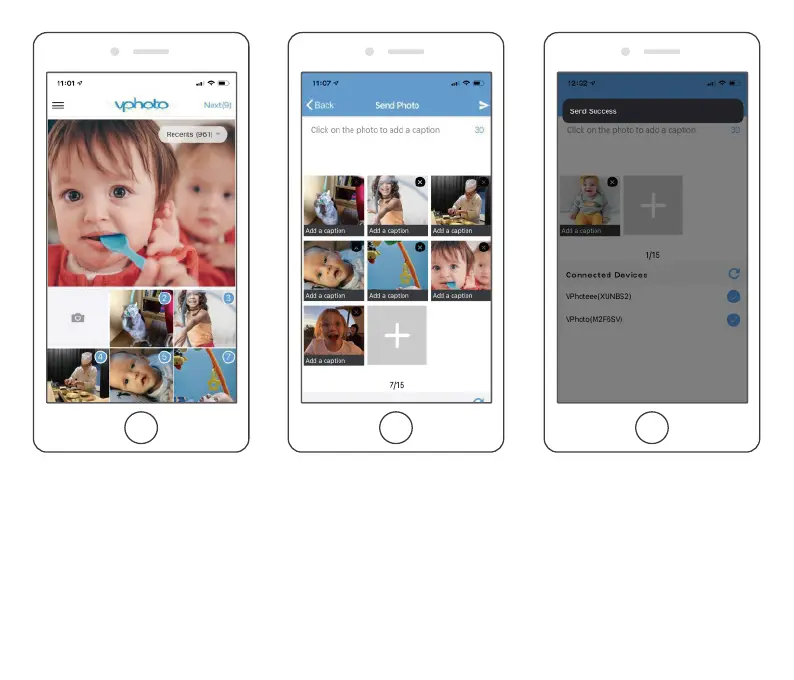
(2) Upload new photos or videos. To do this, tap the Camera icon to take new photos or
videos, and select the desired frame to send them to. After you have done so, tap the
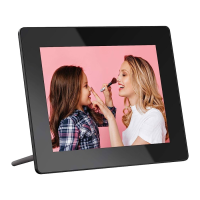
arrow icon in the upper right corner to confirm. The photo frame will receive the photos
or videos in seconds. You can check them on the frame's photo or video library.
Note:
➀ If the frame didn’t receive the photos or videos, please reboot the product or check the
Wifi network.
10



 To Next Page