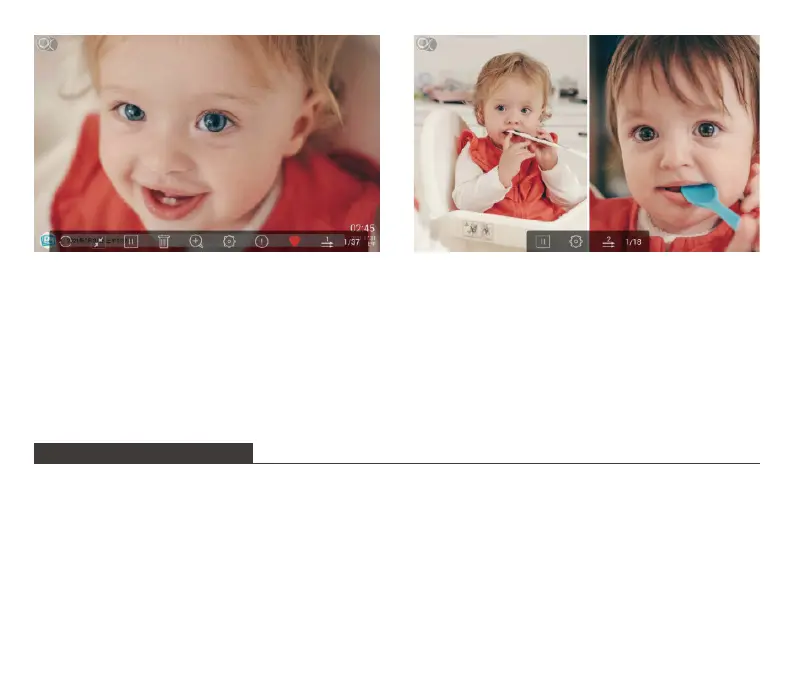
2. Video Slideshow
Tap "Video" on the homepage to enter the video library, then select the video you want
towatch. And it will play.
Note: Video Clip shared from the app and email will show in the video library.
MULTIPLE FUNCTIONS
Music
Tap "Music" on the homepage to enter the music library, then select the music you want to
listen to. And it will play.
Weather Forecast
Tap "Weather" on the homepage, you can check the weather for the next three days. Both
[℃] and [℉] are available. You can switch to the temperature format you want to use. By
tapping the "+" icon in the upper left corner to add several cities, you can know the weather
19



 To Next Page