If it's lost or broken accidentally, you have to pair a new remote control with the digital
picture frame by following the steps below:
1) Make sure the digital picture frame is turned on.
2) PresstheDownand Album buttonsatthesametimeforabout3~5secondstocomplete
the pairing.
1. Upload Photos and Videos Via VPHOTO App
1.1 Download the VPhoto App
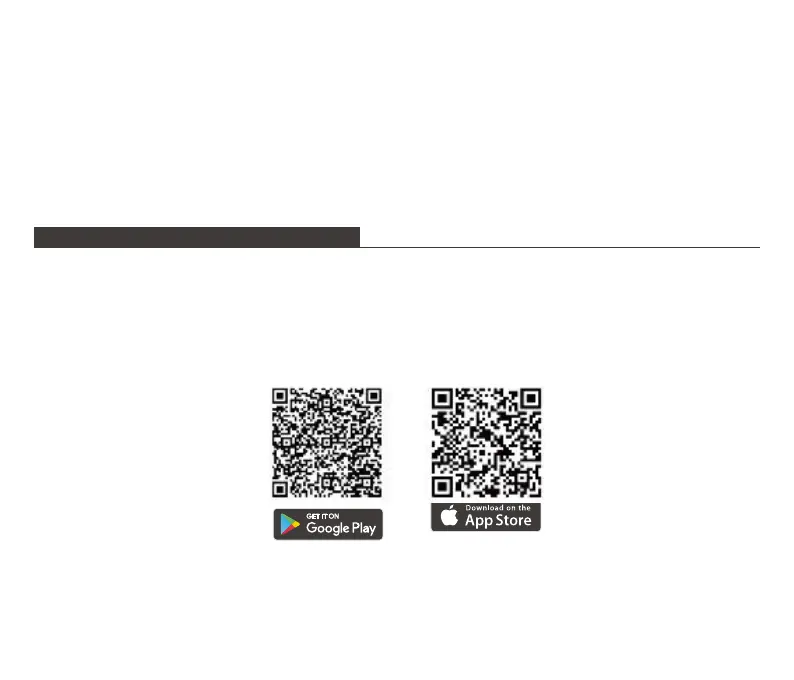
Please download and install the VPhoto app on your mobile device by searching VPhoto in
the App Store or Google Play Or scanning the QR code below.
1.2 Create an Account
Open the VPhoto app, then set your user name and profile photo.
UPLOADING FILES TO THE FRAME
07



 To Next Page