38 SECTION 10 | MAIN MENU
Thanks to the functions contained in the main menu of
the device, the user can quickly turn o the device, adjust
operational settings to their needs, manage memory and
much more.
To turn on the MAIN MENU, press and hold down the
key for about 2 seconds.
1. Turn o!
To turn o the device, go to the Main menu using the
key, then use the
or key to select the Turn o!
option and conrm with the
key.
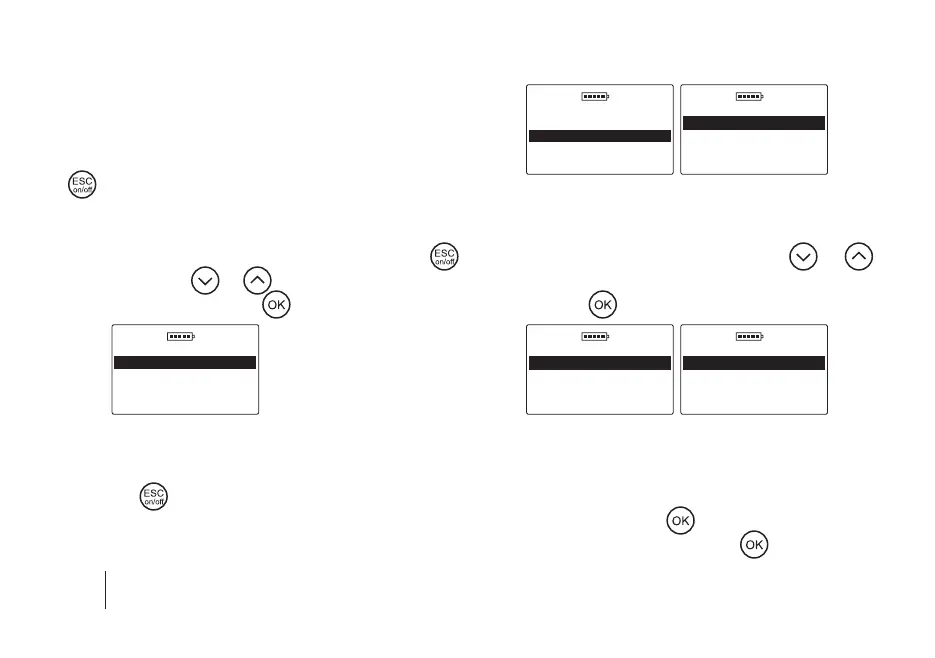
DOD 01.01.2019
Main menu
Turn o!
Animals
Results
Operating mode
Thanks to this function, the user can quickly and conven-
iently turn o the device without the necessity to hold
down the
key for 5 seconds and wait for the power
auto o option to activate.
2. Animals
DOD 01.01.2019
Main menu
Turn o!
Animals
Results
Operating mode
DOD 01.01.2019
Animals
Change animal
New animal
Delete animal
Sort animals
a) Change animal – to change the animal for which the re-
sults will be put into the directory, go to the Main menu
/ Animals / Change animal, then use the
or
key to select the appropriate bitch from the list and con
-
rm with the key, e.g.
DOD 01.01.2019
Animals
Change animal
New animal
Delete animal
Sort animals
DOD 01.01.2019
Animals
TINA
LASSIE
b) New animal – to add a new bitch to the device’s memo-
ry, go to the Main menu / Animals / New animal, then
enter any name by selecting characters using the arrows
and conrming with the
key (to clear the character
select the “<” symbol and press the
key). When the



 To Next Page